How to disable authentication through Google Workspace in Slite
Here is how to disable authentication through google workspace in slite
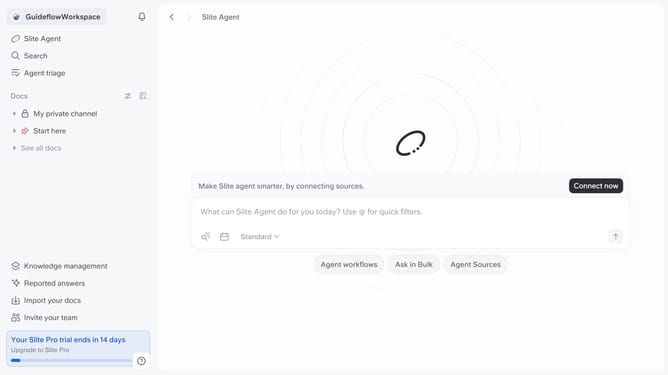
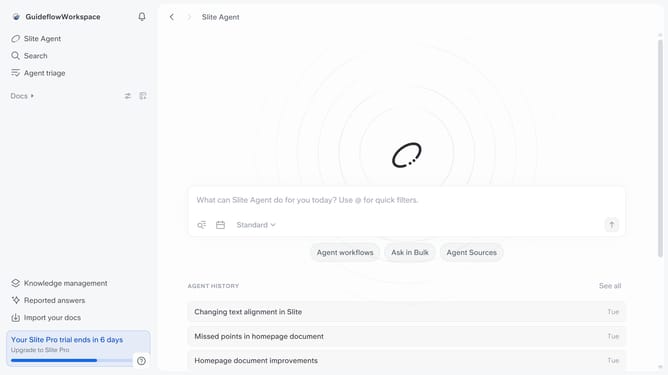
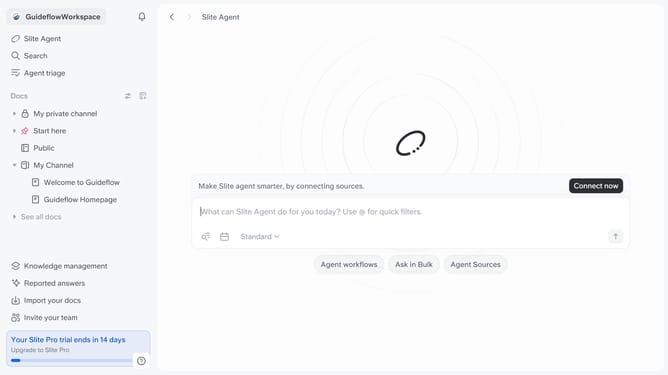
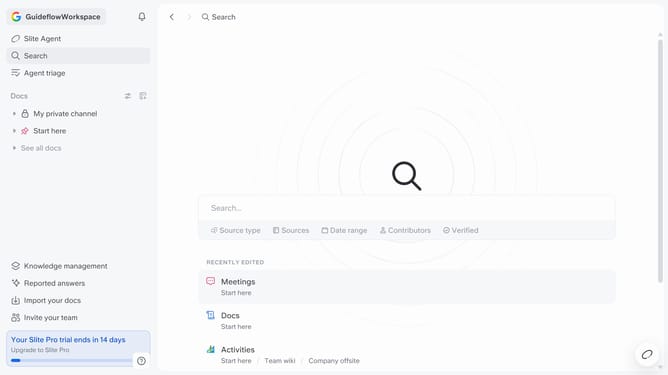
- First click on your workspace name in the upper left sidebar
- Then click on the "Settings" option in the left sidebar
- Then click on "Security" in the sidebar
- After that, click on the "Cancel" button for Google Workspace authentication
- Finally click on "Confirm" button
Why should you How to disable authentication through Google Workspace in Slite
Slite is a collaborative workspace designed to streamline team communication and documentation effortlessly.
Disabling authentication through Google Workspace in Slite offers increased flexibility and control over how users access the platform. By managing authentications independently, teams can customize their security settings to better fit their internal protocols and preferences.
This feature is particularly beneficial for organizations seeking alternative authentication methods or for those transitioning from Google Workspace, ensuring seamless and uninterrupted access to team resources.
Last update