How to disable a space role in Confluence
Here is how to disable a space role in confluence
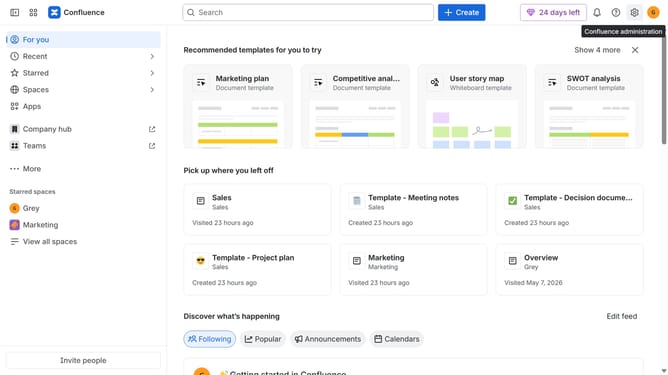
- First click on the settings icon in the top right corner to open confluence administration
- In the sidebar, click on "Permissions"
- Next, click on "Space roles" in the submenu
- After that, locate the space role you want to disable
- Click on the three dots icon next to the role
- Then, click on "Disable" in the dropdown menu
- Finally, click on the "Disable" button in the confirmation dialog
Why should you disable a space role in Confluence
Confluence, a powerful team collaboration tool, enhances productivity by centralizing knowledge sharing.
Disabling a space role within Confluence enables you to fine-tune access and permissions for team members effectively.
This feature allows you to ensure that only the right users have access to sensitive information, enhancing security.
By managing space roles, teams can maintain an organized structure, promoting efficient project management and seamless collaboration.
Last update