Zoom
Zoom is a unified communications platform for video, phone, chat, and webinars. It helps teams connect, collaborate, and boost productivity with powerful, intuitive tools.
Website
Industry
Collaboration
Share this article:

How to delete tags in Zoom whiteboard

Here is how to delete tags in zoom whiteboard

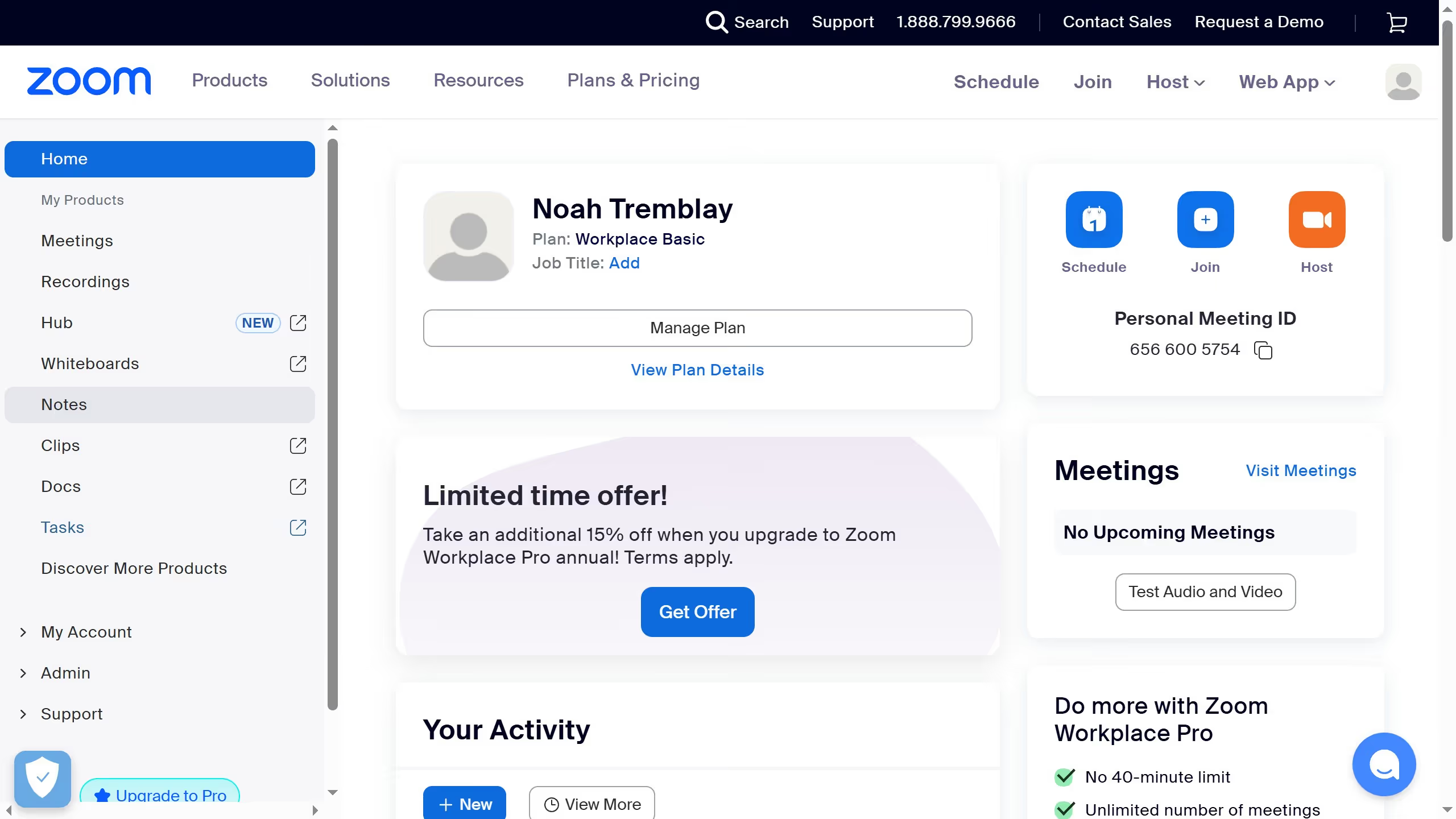
  1. First click on the "Whiteboards" tab in the top navigation menu
  2. Then open the whiteboard containing the tag you want to delete
  3. Next click on the element with the tag applied
  4. Then click on the "Add tags" button in the formatting toolbar
  5. Click on the "Delete" button in the tags toolbar
  6. Finally click the "Delete" button in the tag deletion confirmation dialog

Create your own interactive guide with Guideflow

Why should you delete tags in Zoom whiteboard

Zoom is a premier platform for virtual communication and collaboration, making remote interactions seamless and efficient.

The Zoom Whiteboard is an innovative feature that enables creative brainstorming and dynamic idea sharing among team members. Deleting tags on the Zoom Whiteboard simplifies your digital workspace, ensuring content remains organized and clutter-free.

Removing unnecessary tags enhances focus and efficiency during collaborative sessions, allowing team members to concentrate on core ideas without distractions.


Last update
February 3, 2026
Cursor MariaA cursor points to a button labeled "James."

Create your first demo in less than 30 seconds.