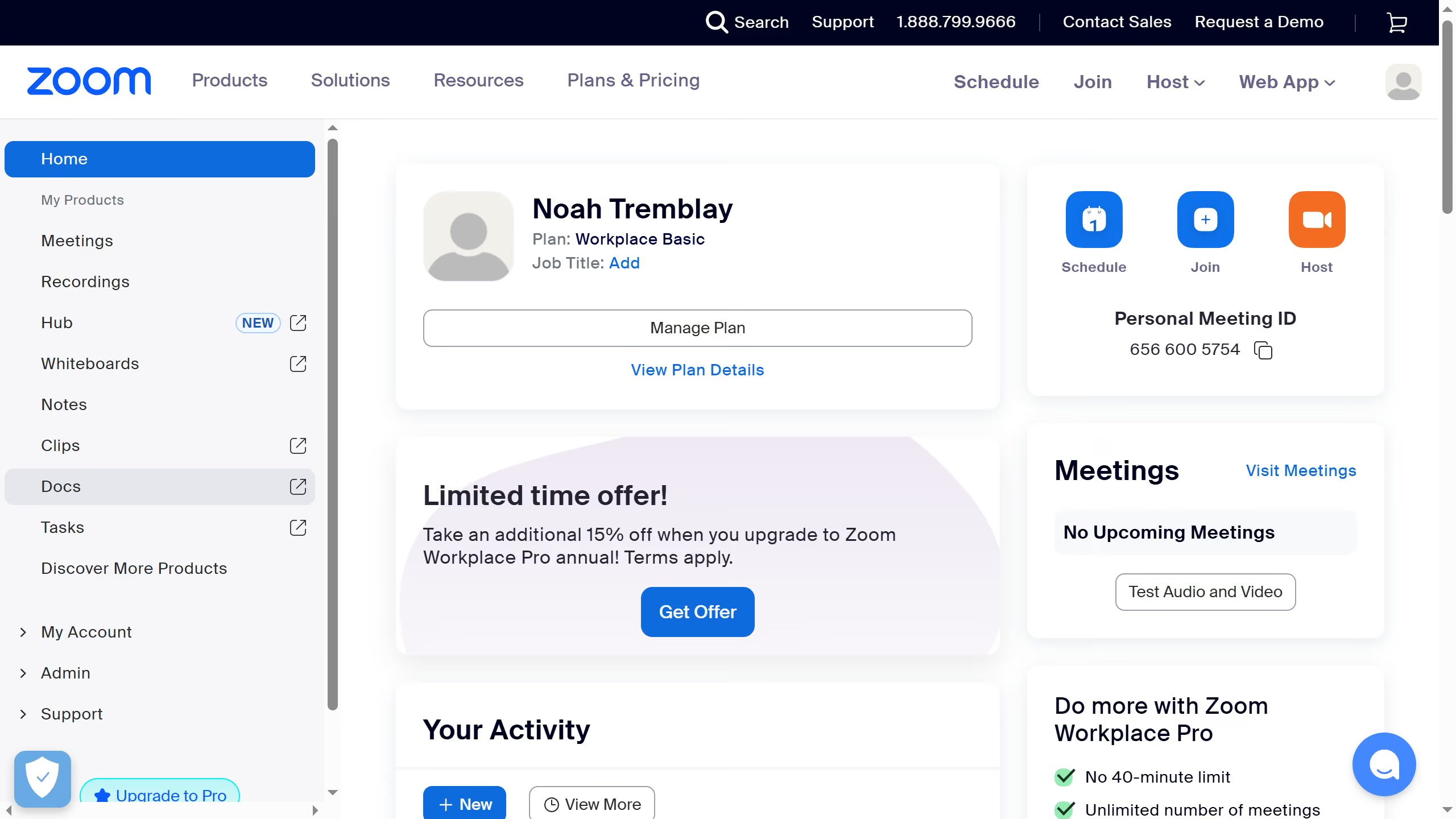
Here is how to mark a task as in progress in zoom
- First click on the "Tasks" option in the left sidebar menu
- Then click on "My tasks" in the tasks navigation panel
- Next select the task you want to update from the task list
- In the task details window, click on the "Status" dropdown menu
- Finally select "In progress" from the list to mark the task as in progress