How to delete selected rows in a data table in n8n
Here is how to delete selected rows in a data table in n8n
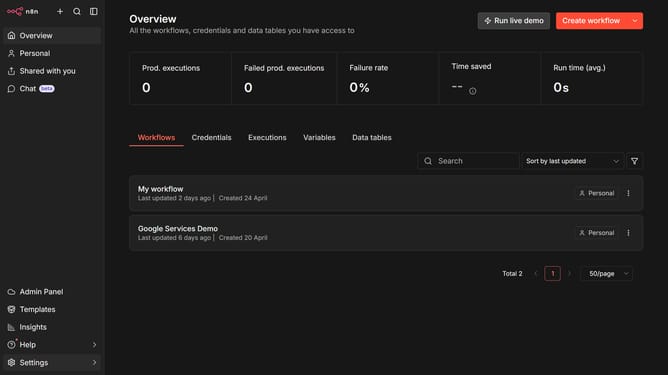
- First click on "Personal" item in the left sidebar.
- Then click on "Data tables" tab.
- Next click the data table that you want to edit.
- Then select the checkbox for row the rows that you want to delete.
- After that click on the "Delete" button.
- Finally click on the "Delete" button in the confirmation dialog.
Why should you delete selected rows in a data table in n8n
n8n is a versatile workflow automation tool that empowers users to seamlessly integrate and automate tasks across various applications without any need for coding expertise.
Among its powerful features, n8n allows users to delete selected rows in a data table, enhancing data management efficiency. This capability is crucial for maintaining clean and organized datasets, ensuring that users can focus on what matters most without wading through unnecessary data.
With n8n, users can streamline workflows by effortlessly removing redundant or outdated rows. This not only optimizes the performance of data-driven processes but also saves valuable time and resources, empowering teams to achieve their project goals faster.
Last update