How to remove default OpenAI credential in n8n
Here is how to remove default openai credential in n8n
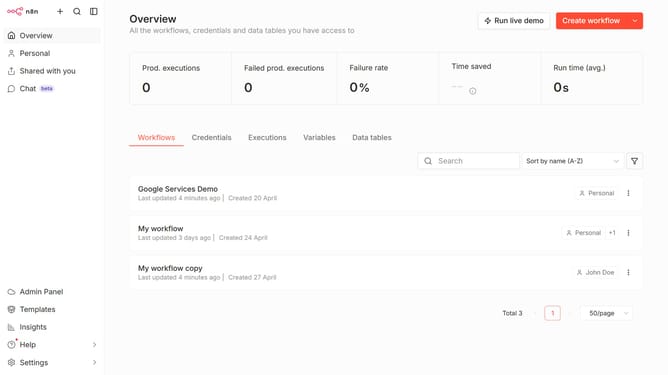
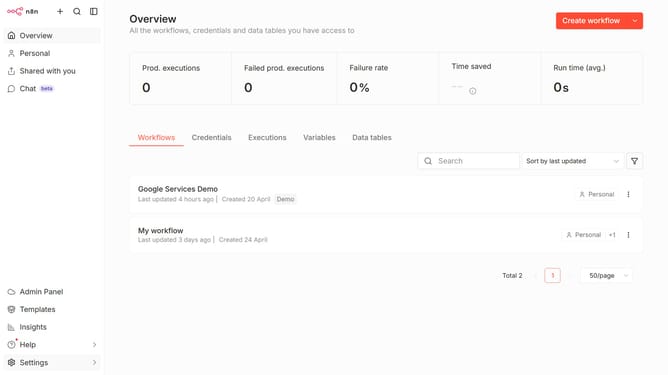
- First click on "Settings" in the sidebar.
- Then click on "Chat" in the sidebar menu.
- Then click on the "three dots" icon for OpenAI.
- Then click on the "Edit provider" button.
- Then click on the "X" icon for Default credential.
- Finally click on the "Confirm" button.
Why should you remove default OpenAI credential in n8n
n8n is an open-source automation tool that allows you to connect different applications and automate workflows seamlessly.
Removing default OpenAI credentials in n8n helps enhance customization and security by allowing you to input your own credentials, tailored to your specific needs. This ensures that all API interactions are optimized for your unique applications and data flow.
By removing default credentials, you can maintain a higher level of control over your integrations, resulting in more efficient and reliable automation processes.
Last update