How to create Twake Cloud API credential in n8n
Here is how to create twake cloud api credential in n8n
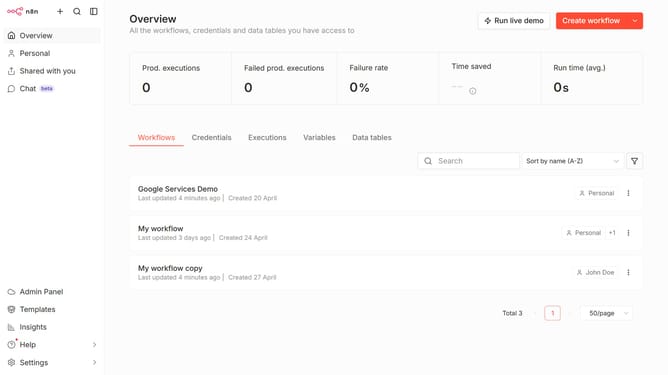
- First click on the dropdown arrow next to "Create workflow" in the header
- Then click on "Create credential" from the dropdown menu
- Next, in the "Add new credential" modal, click the search bar and enter "Twake"
- After searching for "Twake", click on "Twake Cloud API" from the search results
- Then click on the "Continue" button
- In the "Twake Cloud account" form, click on the "Workspace Key" input field
- Finally, click on the "Save" button to finish
Why should you create Twake Cloud API credential in n8n
n8n is a powerful automation tool designed to streamline and integrate various digital workflows with ease.
Creating Twake Cloud API credentials in n8n is an essential step that unlocks seamless connectivity between Twake and your automated workflows.
This feature empowers users to automate processes, saving both time and effort, and elevates efficiency by reducing manual input.
Leveraging Twake's full potential with n8n ensures smoother operations and enhances collaborative productivity across teams.
Last update