How to create Mandrill API credential in n8n
Here is how to create mandrill api credential in n8n
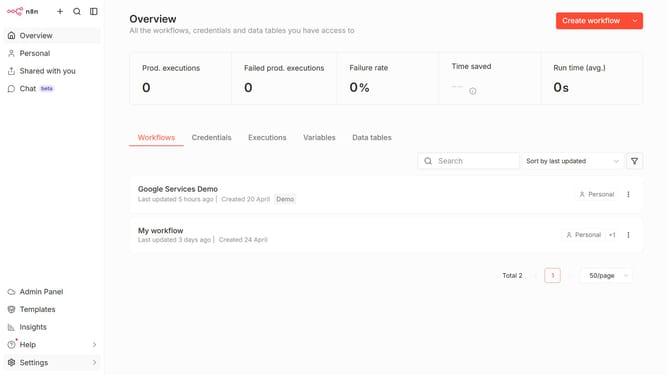
- First click on the down arrow next to 'Create workflow' in the header.
- Then click on 'Create credential' button.
- Now click on the search bar and enter 'mandrill'.
- After that, click on 'Mandrill API' item.
- Next, click on the 'Continue' button.
- Then fill in the 'API Key' input field.
- Finally click on the 'Save' button.
Why should you create Mandrill API credential in n8n
n8n is an intuitive workflow automation tool that empowers users to connect various applications seamlessly.
Creating Mandrill API credentials in n8n is straightforward, allowing you to integrate automated email functions effortlessly. This feature ensures that users can harness the powerful email capabilities of Mandrill within their workflows.
Utilizing this integration means improved efficiency in handling communications, with automation processes running smoothly and reliably.
By leveraging these credentials, you eliminate the manual hassle, ensuring accuracy and enhanced performance for all your email automation needs.
Last update