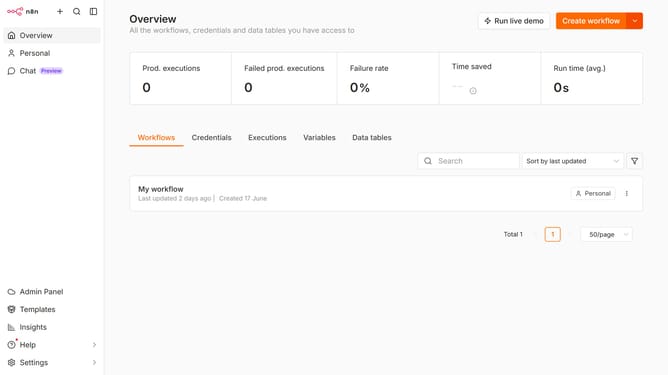
How to create Emelia API credential in n8n
Here is how to create emelia api credential in n8n
- First click on the "Create workflow" dropdown arrow.
- Then click on "Create credential" button.
- Next, click on the "Search for app..." input field.
- Then, type "emelia" into the search bar and click on "Emelia API".
- Next, click the "Continue" button.
- Then, enter your API Key in the "API Key" input field.
- Finally, click on the "Save" button.
Why should you create Emelia API credential in n8n
n8n is an open-source automation tool that bridges different apps and services seamlessly.
Creating Emelia API credentials within n8n unlocks the potential for enhanced email marketing automation, updating campaigns with swift integration.
This setup empowers users by simplifying the connection between Emelia's dynamic email capabilities and n8n's versatile workflow automation.
By utilizing this feature, users experience increased efficiency and streamlined operations in managing their marketing endeavors.
Last update