How to create Microsoft OAuth2 API credential in n8n
Here is how to create microsoft oauth2 api credential in n8n
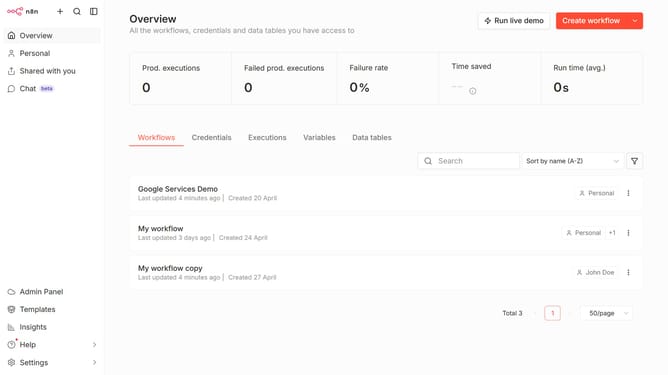
- First click on the dropdown arrow next to "Create workflow" button
- Then click on "Create credential" button
- Then click on the search input field and enter "Microsoft OAuth2"
- Then click on "Microsoft OAuth2 API" option
- Then click on "Continue" button
- Finally click on "Connect to Microsoft" button
Why should you create Microsoft OAuth2 API credential in n8n
n8n is a versatile automation tool that connects different services and applications seamlessly.
Creating Microsoft OAuth2 API credentials in n8n enables secure, streamlined integration with Microsoft services.
This feature ensures authenticated connections, enhancing data security and access efficiency.
By utilizing OAuth2 credentials, users can automate workflows with ease, removing manual data handling and fostering productivity.
Last update