How to create WhatsApp OAuth API credential in n8n
Here is how to create whatsapp oauth api credential in n8n
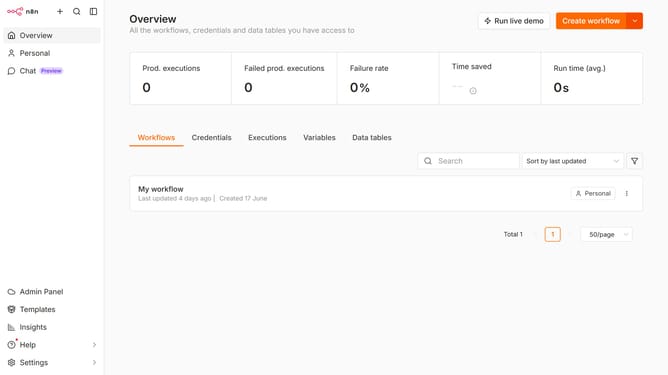
- First click on the dropdown arrow next to 'Create workflow' in the header
- Then click on 'Create credential' from the dropdown menu
- Next, click on the search bar labeled 'Search for app...' within the 'Add new credential' modal
- Then type 'Whatsapp' in the search bar and click on 'WhatsApp OAuth API'
- After that, click on the 'Continue' button
- Then fill in the required credential details
- Finally click on the 'Save' button
Why should you create WhatsApp OAuth API credential in n8n
n8n is a dynamic workflow automation tool designed to streamline processes and enhance productivity with ease.
Creating WhatsApp OAuth API credentials in n8n unlocks seamless integration with WhatsApp, empowering users to automate messages and notifications efficiently.
This feature offers a hassle-free experience by simplifying complex authentication procedures, ensuring secure and reliable communication between platforms.
Integrating WhatsApp within n8n enhances user engagement by enabling immediate and automated responses, fostering better interaction and connectivity.
Last update