How to create Digest Auth credential in n8n
Here is how to create digest auth credential in n8n
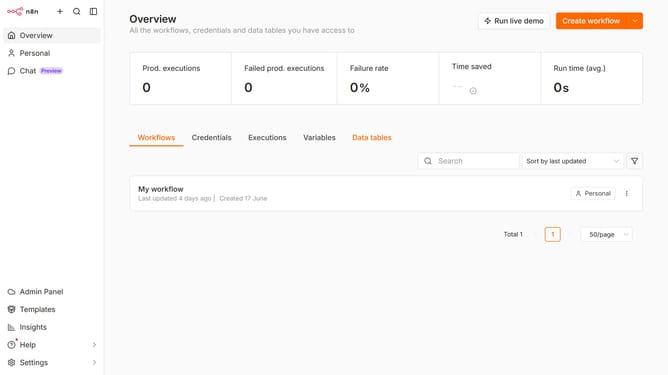
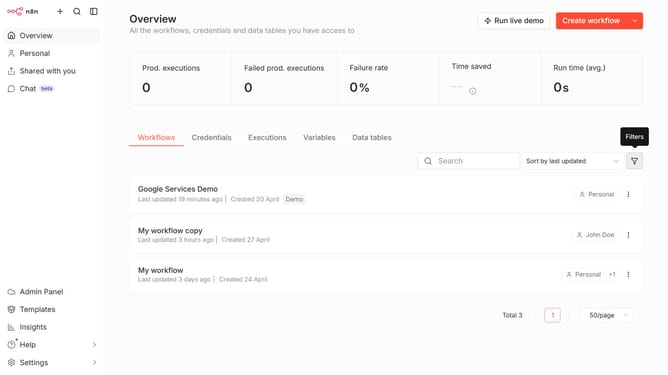
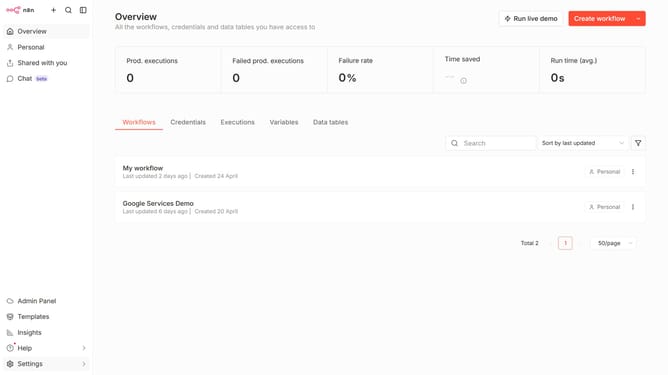
- First click on the dropdown menu next to "Create workflow" in the top menu.
- Then click on "Create credential" in the dropdown menu.
- Next, in the "Add new credential" modal, click on the " search for app... " input field.
- After that, type "digest" into the search field and click on "Digest Auth" from the search results.
- Then click on the "Continue" button.
- Next, enter all the necessary information for your new credential.
- Finally click on the "Save" button.
Why should you create Digest Auth credential in n8n
n8n is a powerful workflow automation tool that lets you connect and automate numerous services effortlessly.
Creating Digest Auth credentials in n8n adds robust security to your workflows by ensuring that sensitive data is protected during transactions. This feature allows you to securely access and move information across different systems without compromising on data integrity.
By utilizing Digest Auth in n8n, you enhance the security layer, ensuring encrypted credentials transit through APIs with safeguards in place, leading to more secure and efficient automation.
Last update