How to import a CSV into a data table in n8n
Here is how to import a csv into a data table in n8n
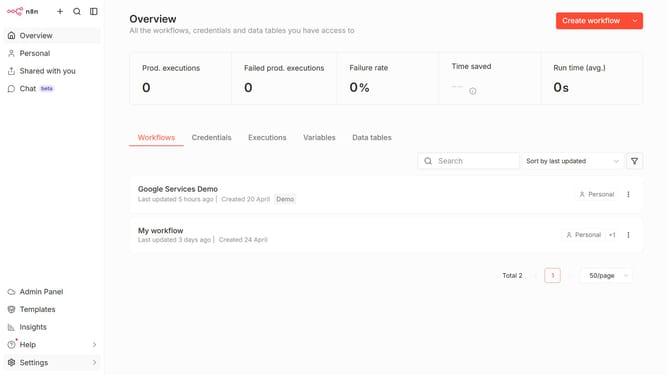
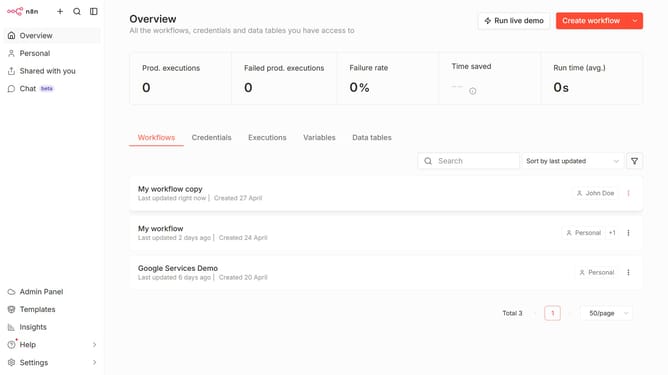
- First click on "Create workflow" button
- Then click on "Create data table" button
- Then click on "Import CSV" radio button
- Then click on "Drop file here or click to upload" button to upload your csv file
- Then click on "Create" button after uploading your file
- Finally click on "Create" button
Why should you import a CSV into a data table in n8n
n8n is a powerful automation tool designed to connect various applications and streamline workflows effortlessly.
Importing a CSV into a data table in n8n is a seamless feature that enhances how users manage data within their automation processes.
This feature empowers users to efficiently integrate large datasets, ensuring that the information is always up-to-date and synchronization across platforms is maintained.
With this capability, users can drastically reduce manual data entry and focus on more strategic tasks, making their workflows more productive and efficient.
Last update