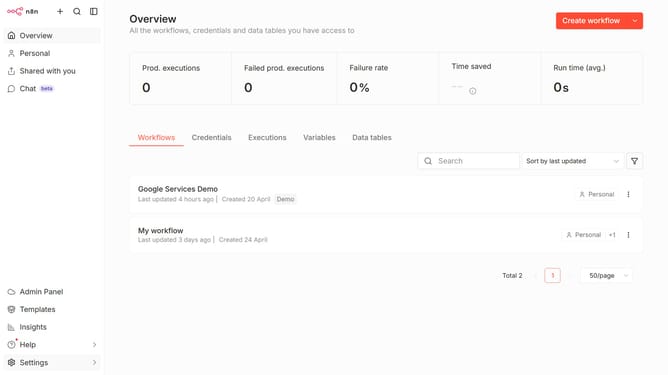
How to create Milvus credential in n8n
Here is how to create milvus credential in n8n
- Then click on the dropdown arrow next to 'Create workflow' button
- Then click on 'Create credential' button
- Then type 'Milvus' into the 'Search for app...' input field
- Then click on 'Milvus' item in the search results
- Then click on 'Continue' button
- Then fill in the required credential details
- Finally click on the 'Save' button
Why should you create Milvus credential in n8n
n8n is a powerful, extendable workflow automation tool that connects various apps to automate tasks seamlessly.
Creating Milvus credentials in n8n allows users to integrate and manage powerful scalable similarity search and feature vector indexing capabilities directly within their automated workflows.
This integration enhances your ability to handle large-scale datasets efficiently and enriches workflow automation by making it scalable and robust. By streamlining the credential setup, users gain a more secure and efficient way to leverage Milvus’s capabilities.
Last update