How to copy a room link in Pitch
Here is how to copy a room link in pitch
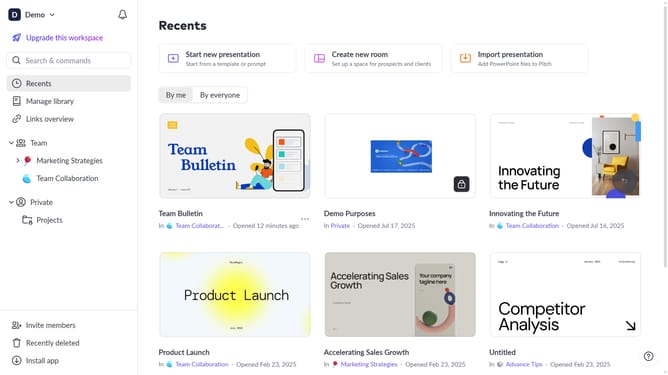
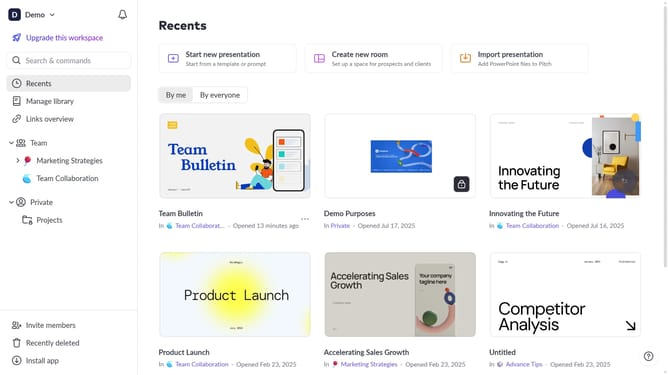
- First, locate the room whose link you want to copy
- Next click on the three dots next to the room
- Then, select "Copy link" from the dropdown menu
Why should you copy a room link in Pitch
Pitch is a dynamic platform designed to revolutionize team presentations with its intuitive and collaborative features.
One standout feature in Pitch is the ability to easily copy a room link. This empowers users to seamlessly share access to presentation rooms with team members or stakeholders.
Utilizing this feature enhances collaborative efforts and boosts productivity by ensuring everyone has instant access to ongoing projects. Sharing quick access promotes efficient communication and allows teams to work harmoniously from anywhere.
Last update