How to configure global header and footer in Confluence
Here is how to configure global header and footer in confluence
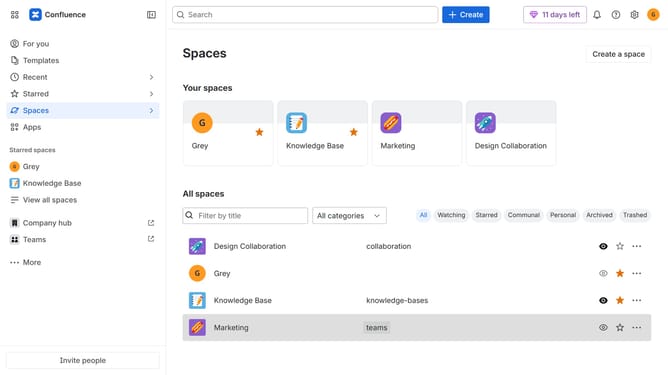
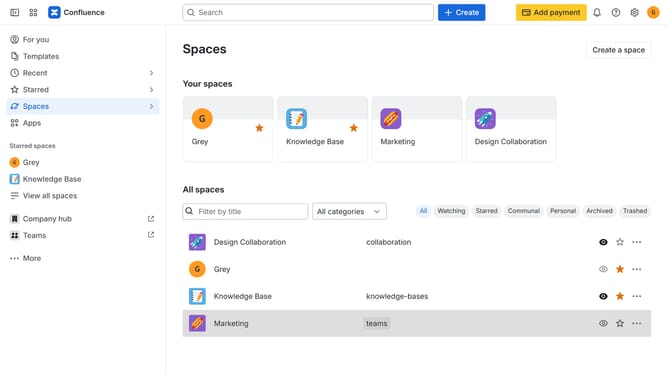
- First, click on the gear icon in the header to open Confluence administration
- Click on "Look and feel" in the settings menu
- Next click on "Header and footer" in the submenu
- In the "Header" text box, enter the content you want to display at the top of every page
- Then, in the "Footer" text box, enter the content you want to display at the bottom of every page
- Optionally, use wiki markup to add text, links, macros, or images
- Finally click on the "Save" button to confirm
Why should you configure global header and footer in Confluence
Confluence is a powerful collaboration tool designed to help teams create, share, and manage content efficiently.
By configuring the global header and footer in Confluence, users can provide a consistent branding experience across all pages. This feature ensures that important links and messages are always visible to users, enhancing navigation and information access.
Utilizing this feature not only reinforces brand identity but also saves time by reducing repetitive tasks. Customized headers and footers streamline content consumption and contribute to a unified user experience.
Last update