Asana
Asana is a work management tool for planning, tracking, and executing projects.
Website
Industry
Project Management
Share this article:

How to change project owner in Asana

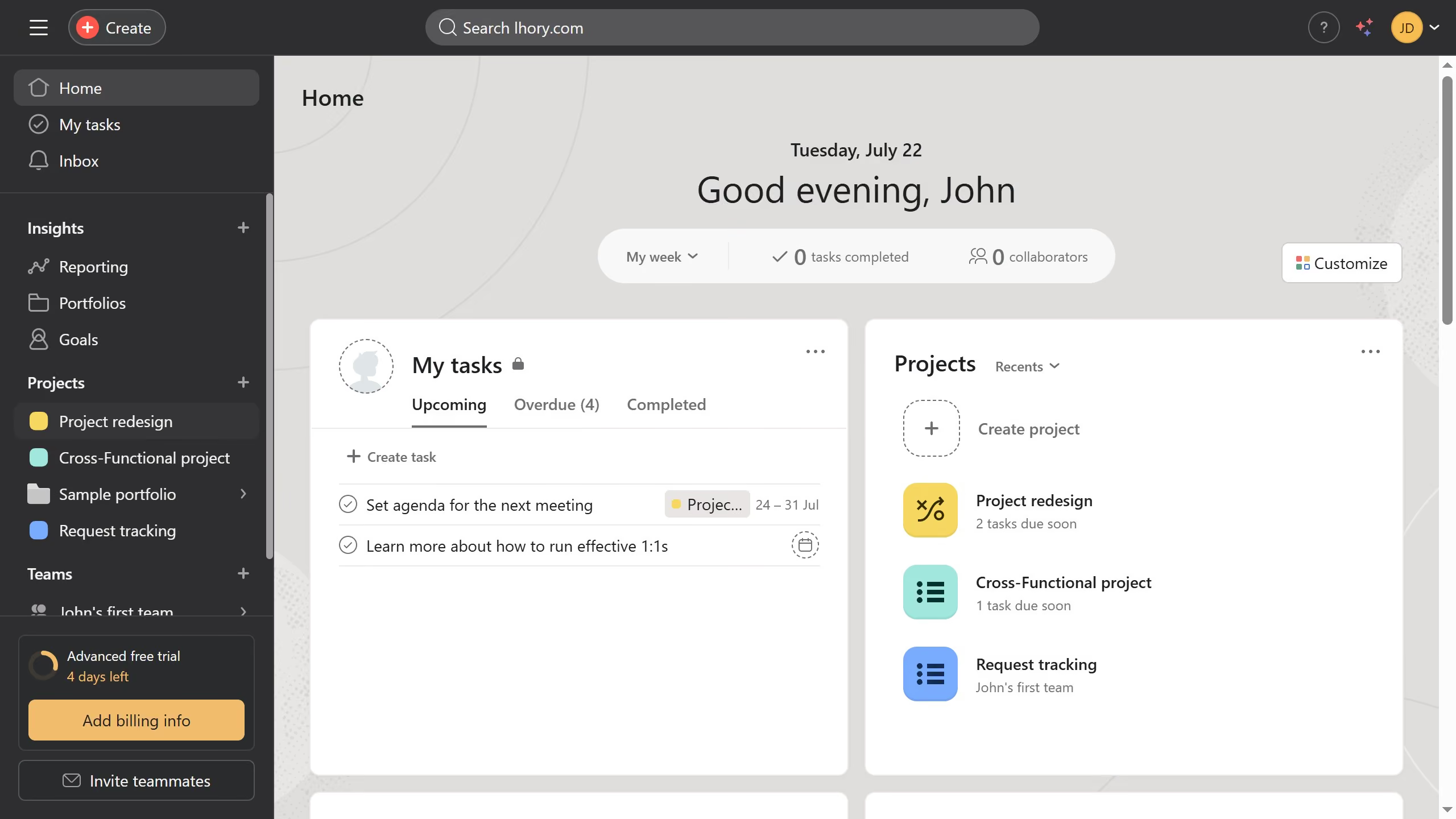
Here is how to change project owner in asana

  1. Finally click the name of the new owner you want to set for the project
  2. Next click on the project name dropdown arrow in the top navigation menu
  3. Then click on "Edit project details" option in the top navigation menu
  4. Next click on the "Owner" field showing the current owner in the Project details modal
  5. Finally click the name of the new owner you want to set for the project

Create your own interactive guide with Guideflow

Why should you change project owner in Asana

Asana is a dynamic tool designed to enhance project management capabilities, ensuring teams work efficiently.

One of its key features is the ability to change the project owner effortlessly.

This feature is crucial in maintaining project momentum, especially when leadership or roles shift within the team. By allowing for a seamless transfer of ownership, Asana ensures that projects remain on track and under competent guidance.

Ultimately, this flexibility aids in smooth transitions, enhancing overall productivity and collaboration.


Last update
June 23, 2026
Cursor MariaA cursor points to a button labeled "James."

Create your first demo in less than 30 seconds.