How to bulk update in Jira?
Here is how to bulk update in jira
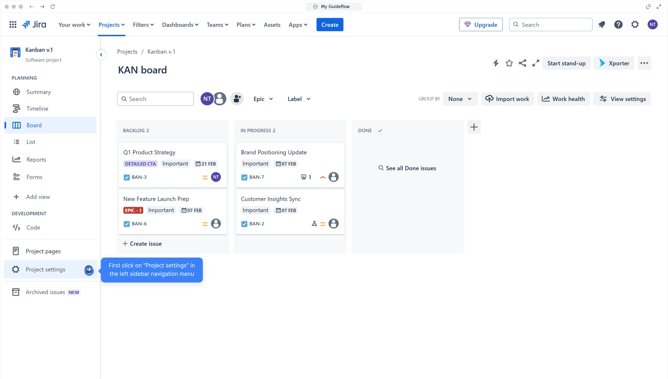
- First click on "List" option in the left sidebar
- Select the ones you want to bulk update
- Next click on "Edit" button in the action bar that appears
- Make the required changes when the right sidebar appears
- Click the button "Next" when you are done making the changes
- Finally click the "Confirm" button to apply the changes
Why should you bulk update in Jira?
Jira is a powerful project management tool designed for agile teams to streamline and optimize workflows.
One standout feature in Jira is the ability to bulk update tasks, which allows users to modify multiple issues simultaneously. This capability not only saves time but enhances efficiency by reducing repetitive tasks.
By quickly applying changes to numerous issues, teams can maintain consistency and accuracy, leading to better coordination and productivity across projects.
Last update