How to benchmark against competitors in Semrush
Here is how to benchmark against competitors in semrush
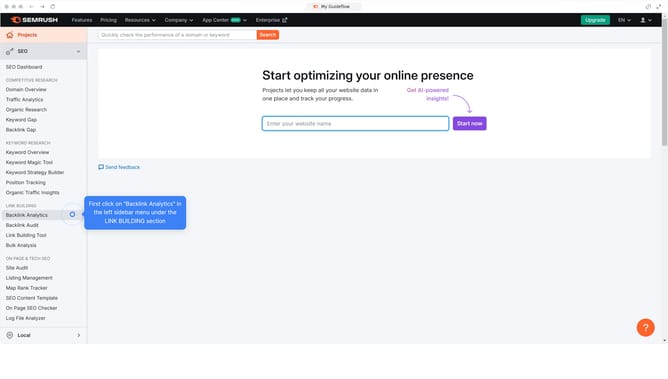
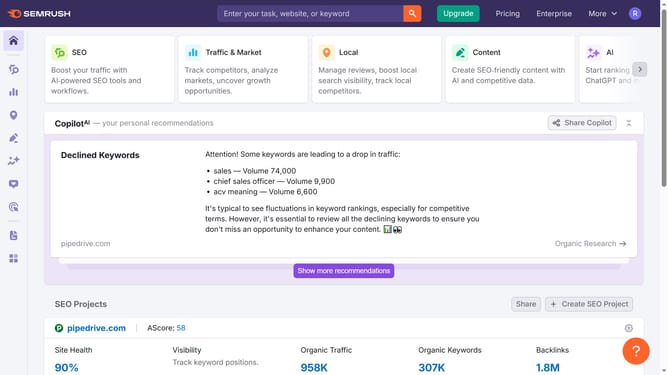
- First click on the "SEO" tab in the main navigation menu
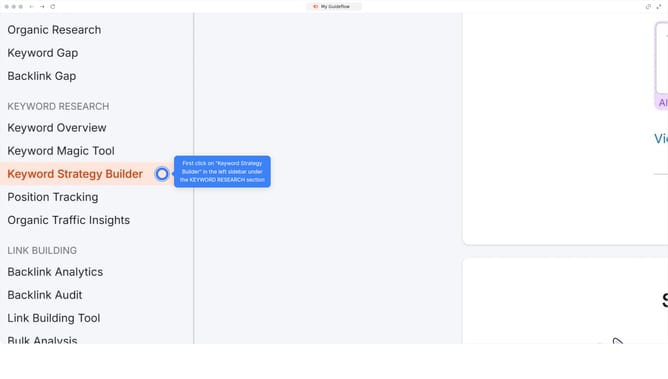
- In the left-hand sidebar, click "Organic Research" under the "Competitive Research" section
- Enter your domain in the domain input field
- Click "Search" to open the Organic Research report
- Click on the "Competitors" tab
- Review metrics to see top domains competing for similar keywords
Why should you benchmark against competitors in Semrush
Semrush is a comprehensive digital marketing toolkit designed to enhance online visibility and uncover marketing insights.
Benchmarking against competitors in Semrush allows businesses to measure their performance by comparing key metrics such as website traffic, keyword rankings, and backlink profiles.
By understanding where you stand in the market, you can identify growth opportunities and areas needing improvement.
Through these insights, you’re empowered to develop informed strategies that strengthen your competitive edge and elevate your brand's presence online.
Last update