How to allow anybody to submit tickets without registration in Zendesk
Here is how to allow anybody to submit tickets without registration in zendesk
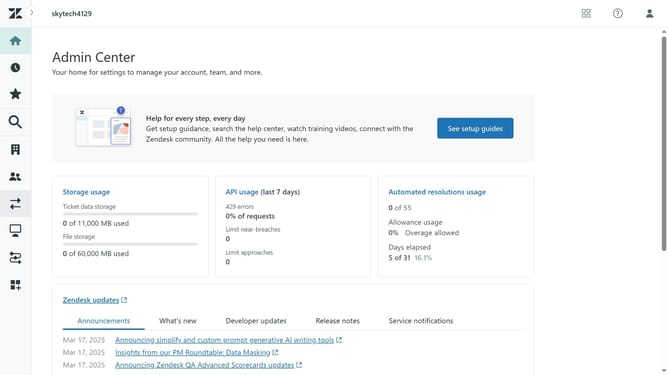
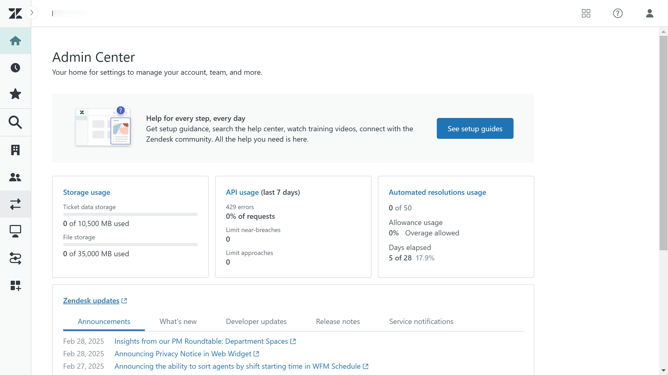
- First in the Admin Center, click on the "People" icon in the left sidebar
- Then click on "End users" under the People section
- Click on the "Settings" tab in the End users section
- Next click the "Enabled" checkbox under "Anybody can submit tickets" to allow anybody to submit tickets
- Make sure "Require authentication for request and uploads APIs" and "Ask users to register" is not selected
- Finally click on the "Save tab" button at the bottom of the page to apply the changes
Why should you allow anybody to submit tickets without registration in Zendesk
Zendesk is a versatile customer service platform designed to enhance communication and streamline support processes.
Enabling the feature to allow anyone to submit tickets without registration greatly simplifies the way customers interact with your support team. It reduces barriers for users who need assistance, allowing for a more inclusive and accessible support environment.
This feature can significantly improve customer satisfaction by offering a seamless way to initiate help requests. With fewer steps to engage, more users will reach out, providing your team with valuable insight into customer needs and enhancing overall service quality.
Last update