Zoom
Zoom is a unified communications platform for video, phone, chat, and webinars. It helps teams connect, collaborate, and boost productivity with powerful, intuitive tools.
Website
Industry
Collaboration
Share this article:

How to add text in Zoom whiteboard

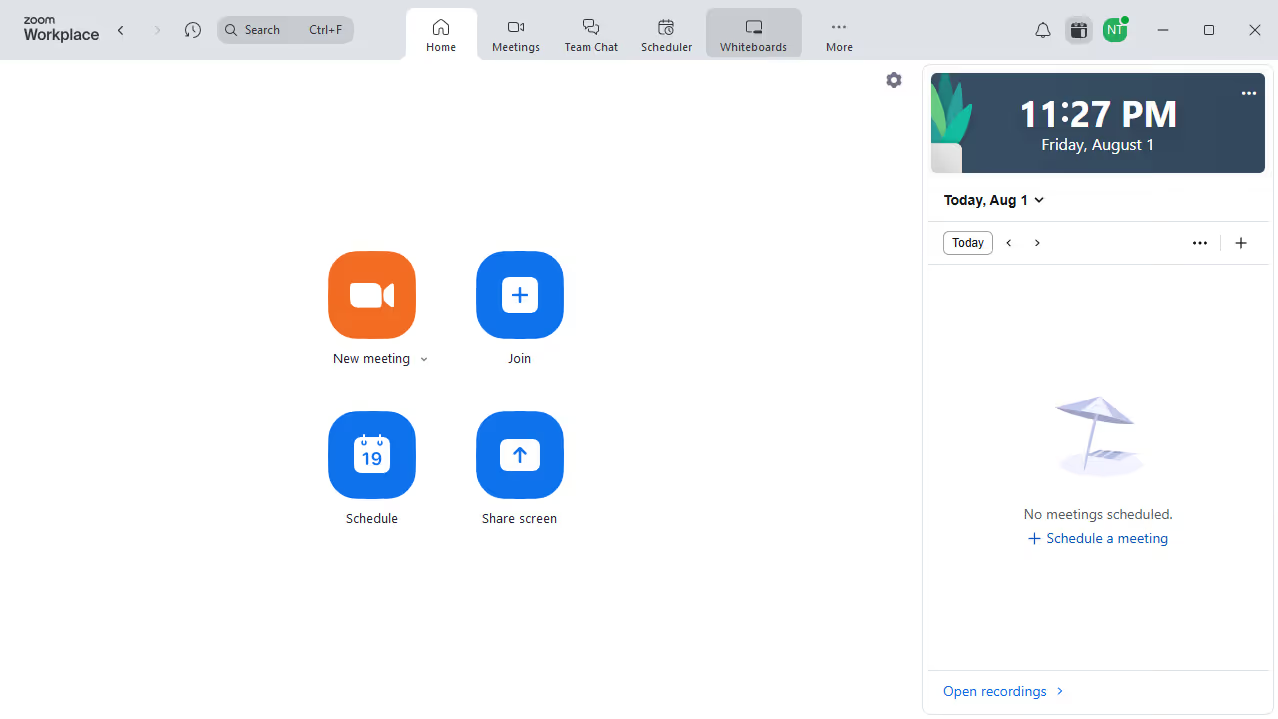
Here is how to add text in zoom whiteboard

  1. First click on the "Whiteboards" button in the top navigation menu
  2. Then open the whiteboard where you want to add text
  3. Next click on the "Text" tool in the left sidebar toolbar
  4. Finally click anywhere on the whiteboard and start typing your text

Create your own interactive guide with Guideflow

Why should you add text in Zoom whiteboard

Zoom revolutionizes virtual communication by enabling seamless video interactions across the globe.

The feature to add text in Zoom's whiteboard offers enhanced collaboration during meetings, allowing participants to articulate ideas clearly and concisely.

This functionality enriches the exchange of information, as users can annotate and highlight key points directly on a shared space, improving comprehension and engagement.

Integrating text with visuals facilitates understanding and fosters more effective teamwork in virtual discussions.


Last update
February 3, 2026
Cursor MariaA cursor points to a button labeled "James."

Create your first demo in less than 30 seconds.