How to add emoji to a document comment in Slite
Here is how to add emoji to a document comment in slite
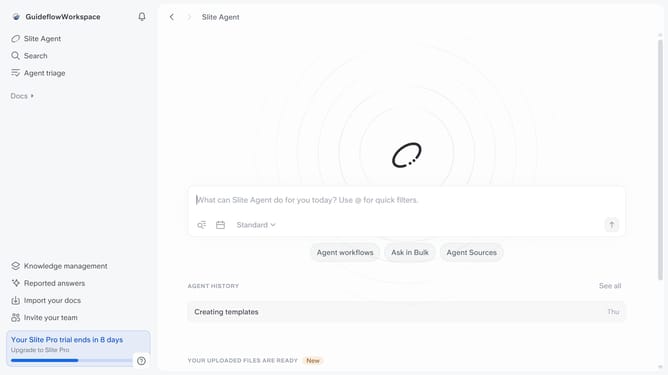
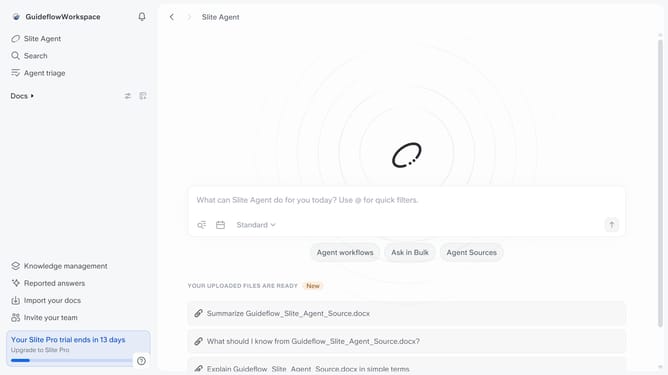
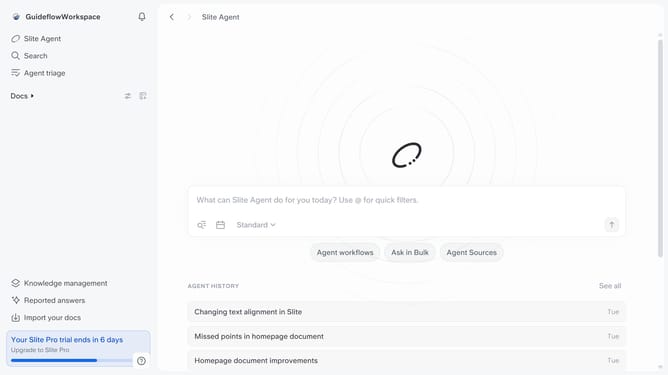
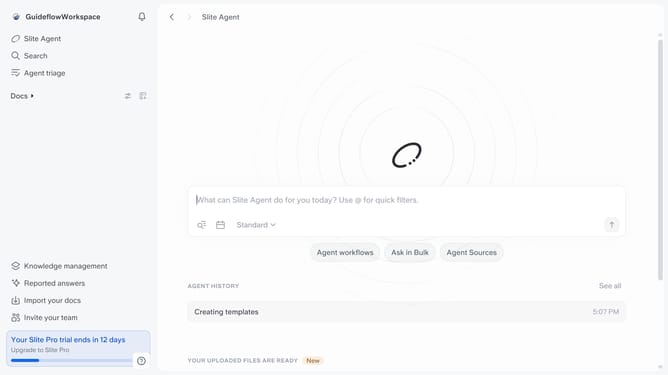
- First click on "Docs" in the left sidebar
- Then open the Slite document you want to edit
- Next, click on the "comment" icon in the top right corner
- Then click on the "add reaction" icon that appears next to a comment
- Finally select an emoji from the menu
Why should you How to add emoji to a document comment in Slite
Slite is a collaborative workspace that empowers teams to share knowledge effortlessly.
One delightful feature in Slite is the ability to add emoji to document comments. This small yet powerful tool enables users to convey emotions and tone, making interactions more engaging and personable.
Utilizing emojis can help clarify intent or add a touch of fun, enhancing communication among team members. This not only strengthens team rapport but also makes feedback more intuitive and enjoyable.
Last update