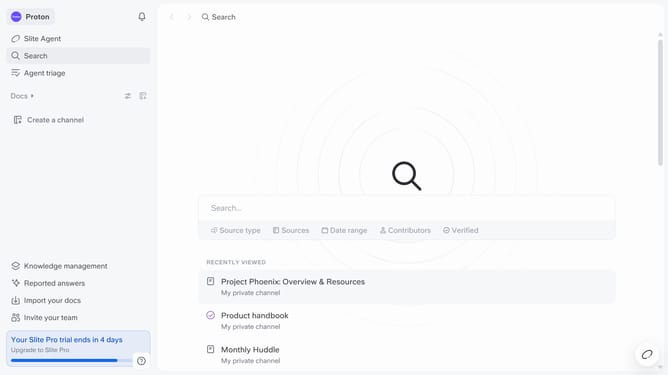
How to add agent sources from your files in Slite
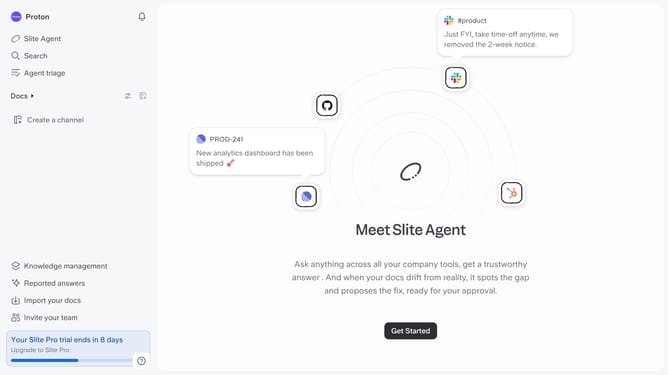
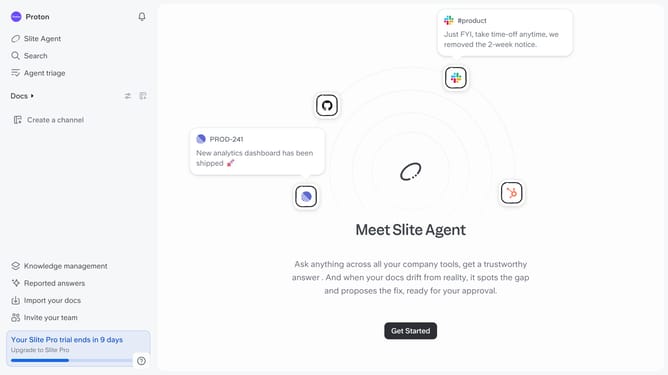
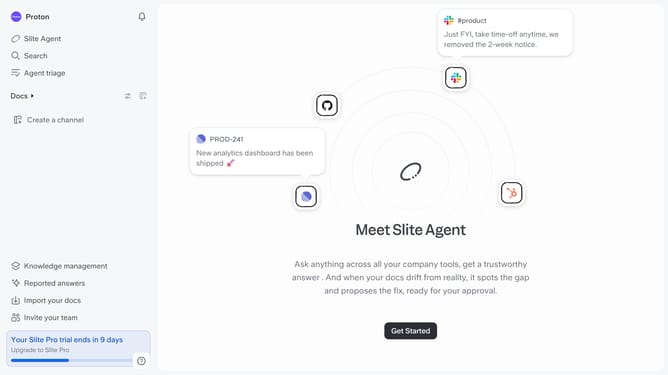
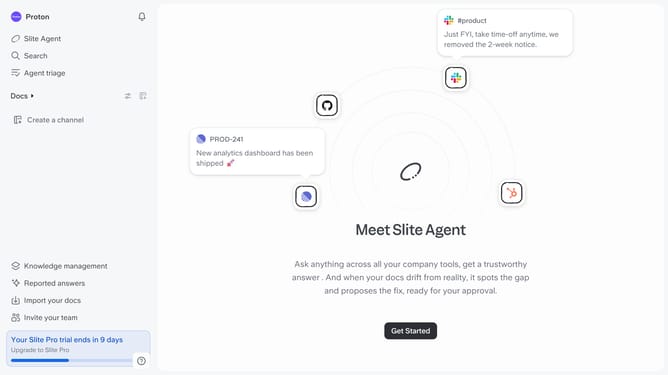
Here is how to add agent sources from your files in slite
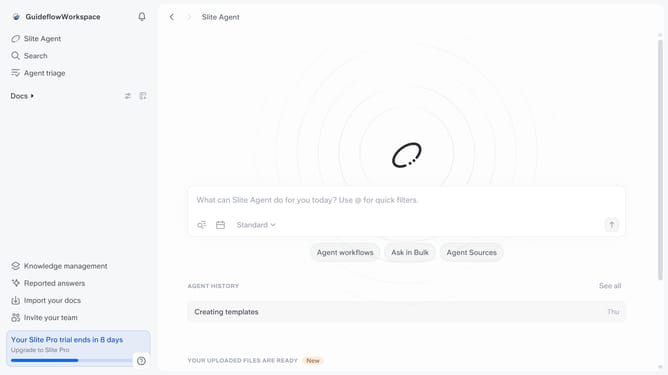
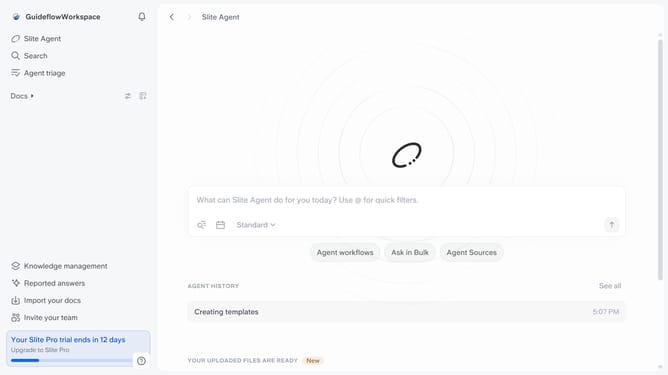
- First click on your workspace name in the upper left sidebar
- Then click on the "Settings" option in the sidebar
- Next, click on the "Agent sources" item in the sidebar
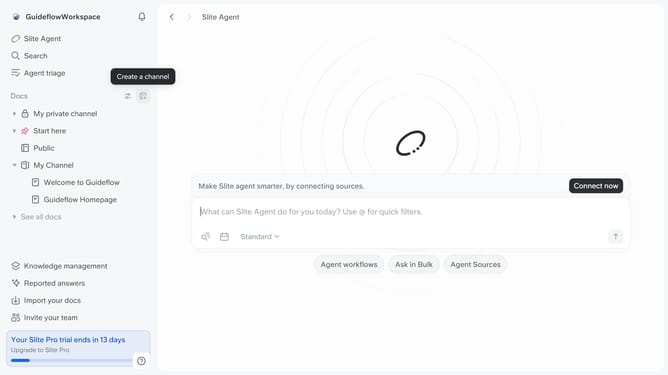
- After that, click on the "Connect now" button
- Then click on the "Files" option in the "Other" section
- Finally click on the "Upload file" button to add your file
Why should you How to add agent sources from your files in Slite
Slite, a streamlined collaboration platform, is designed to enhance teamwork and knowledge sharing.
Adding agent sources from your files in Slite enriches your team's access to vital information by integrating various document types effortlessly.
By leveraging this feature, you can consolidate resources, making them easily accessible for everyone on your team. This boosts productivity and ensures everyone is aligned with the most current information.
Ultimately, it fosters a more organized and efficient workflow, empowering teams to focus on what truly matters.
Last update