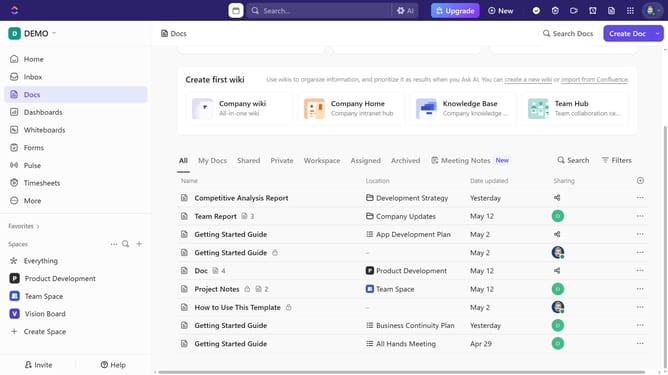
How to add a folder to favorites in ClickUp
Here is how to add a folder to favorites in clickup
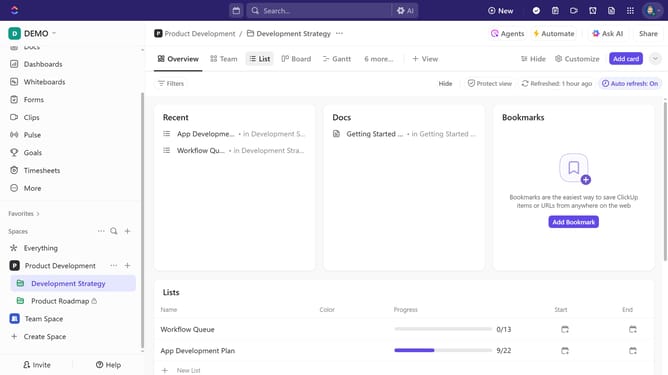
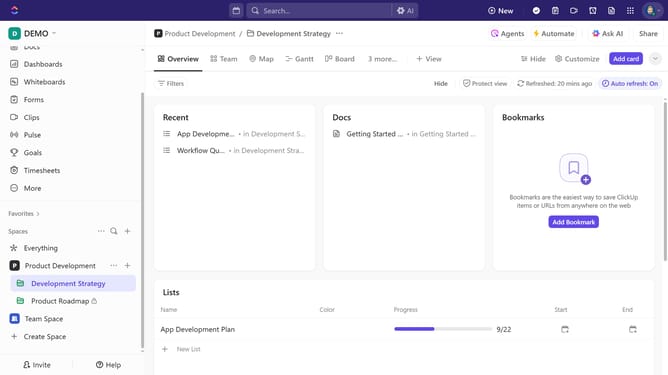
- First find the folder you want to add to your favorites in the left sidebar
- Then click on the "more options" menu (three dots) next to it
- Finally click on "Add to Favorites" option in the dropdown menu
Why should you add a folder to favorites in ClickUp
ClickUp is an all-in-one productivity platform designed to streamline your workflow and boost efficiency.
One of its noteworthy features is the ability to add folders to favorites, a handy tool for prioritizing and simplifying your project management tasks. By adding a folder to favorites, you ensure that your most important information is always within easy reach.
This feature enhances organization and saves time by allowing quick access to your most-used folders. With your key projects just a click away, you can maintain focus and get more done with less hassle.
Last update