Slack
Slack is a business communication platform that organizes team conversations into channels and direct messages.
Website
Industry
Collaboration
Share this article:

How to add a bookmark tab in a channel in Slack

Here is how to add a bookmark tab in a channel in slack

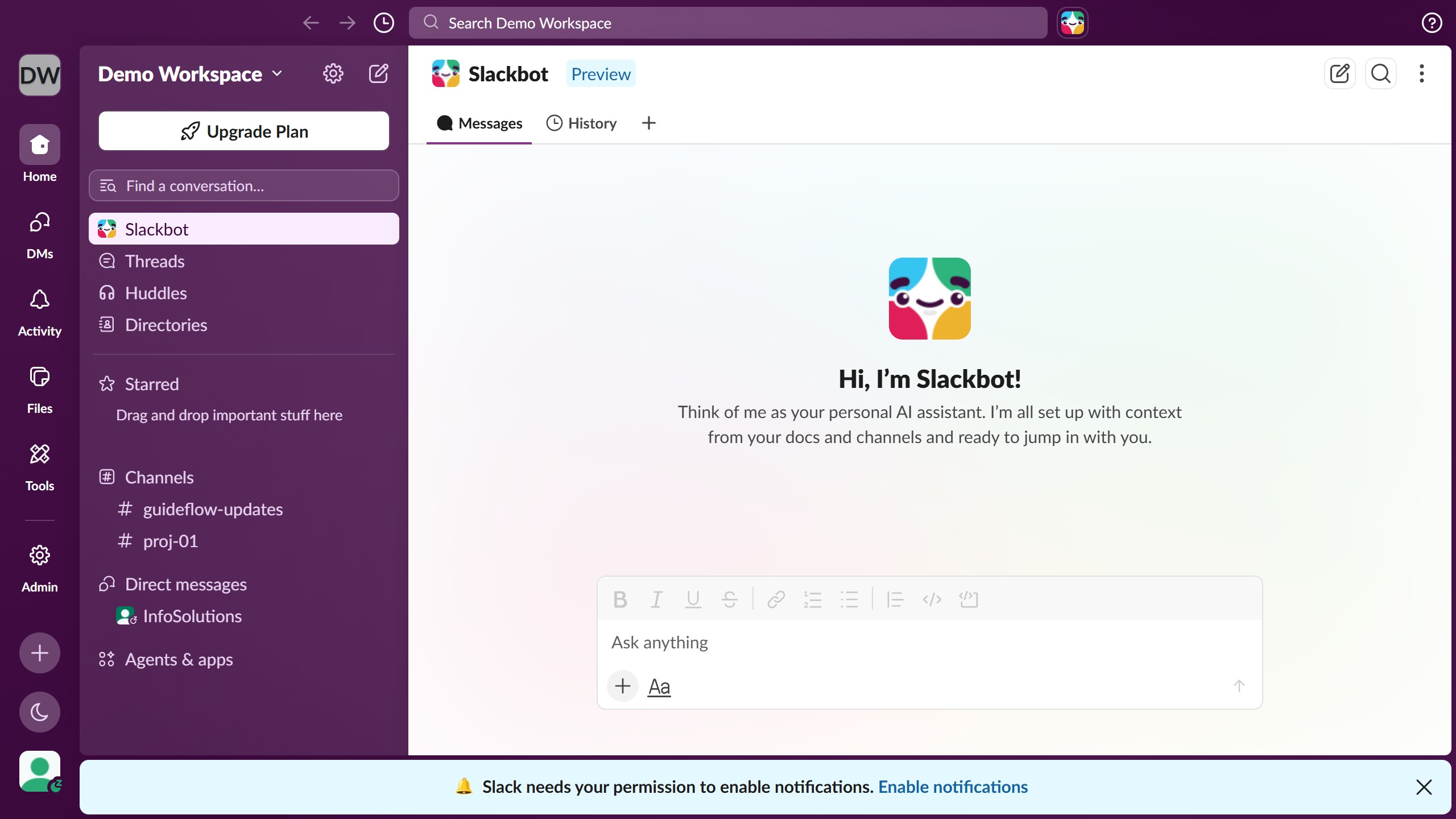
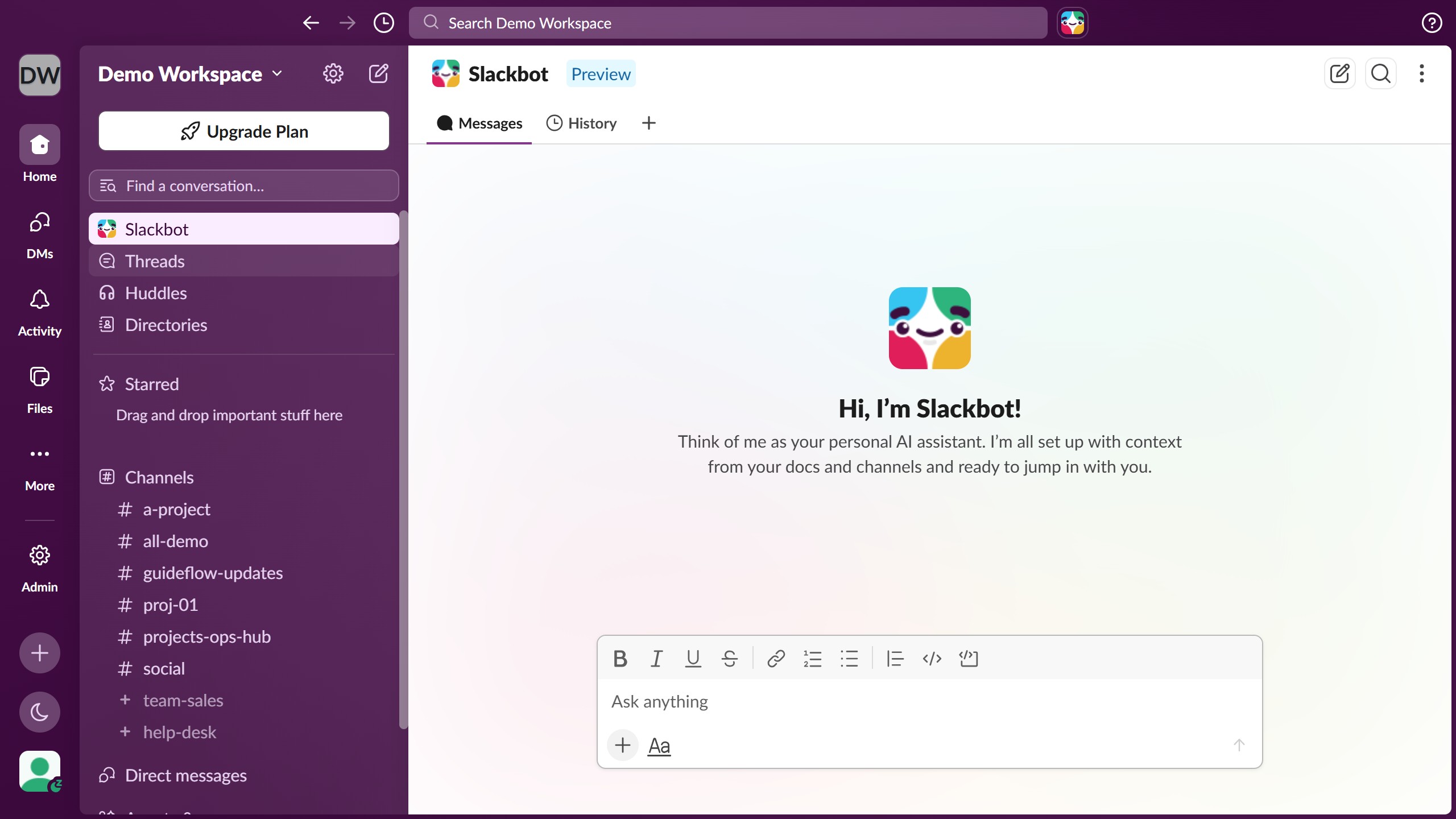
  1. First click on the channel name in the sidebar under the Channels section
  2. Then click on the menu icon in the top right corner of the channel header
  3. Then click on "Edit settings" option in the dropdown menu
  4. Then click on "Tabs" tab in the channel settings modal
  5. Then click on "+ New Tab" button in the tabs management section
  6. Then click on "Link" option from the new tab type menu
  7. Then enter the link URL in the "Link" input field of the "Add a bookmark" dialog
  8. Finally click on "Add" button to save the bookmark

Create your own interactive guide with Guideflow

Why should you add a bookmark tab in a channel in Slack

Slack is a dynamic communication hub designed to streamline team collaboration and enhance productivity.

By adding a bookmark tab to a channel in Slack, users can quickly access crucial links, documents, and resources without cluttering the main conversation thread. This feature facilitates a seamless workflow by keeping essential materials at your fingertips, thus saving time and reducing the hassle of searching through past messages.

Utilizing this feature, teams can improve organization and efficiency, ensuring that everyone stays aligned and focused on their common goals.

Last update
March 16, 2026
Cursor MariaA cursor points to a button labeled "James."

Create your first demo in less than 30 seconds.