How to access the new editor automation in Brevo
Here is how to access the new editor automation in brevo
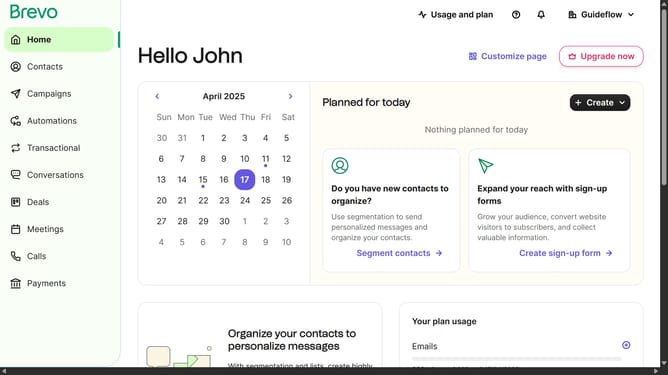
- First click on the "Automations" link in the left sidebar menu
- Then click on the "Create an automation" button in the top-right corner
- Next click on the "Create from scratch" dropdown in the modal window
- Finally click on the "New editor" option in the dropdown menu
Why should you access the new editor automation in Brevo
Brevo is a dynamic tool designed to elevate your marketing automation with ease and precision.
Accessing the new editor automation in Brevo empowers users to streamline their campaigns effortlessly.
No need to juggle multiple platforms. This feature centralizes tools, optimizing efficiency and encouraging productivity.
By leveraging this new capability, users can experience seamless integration of tasks, ensuring consistent and effective marketing strategy deployment.
Last update