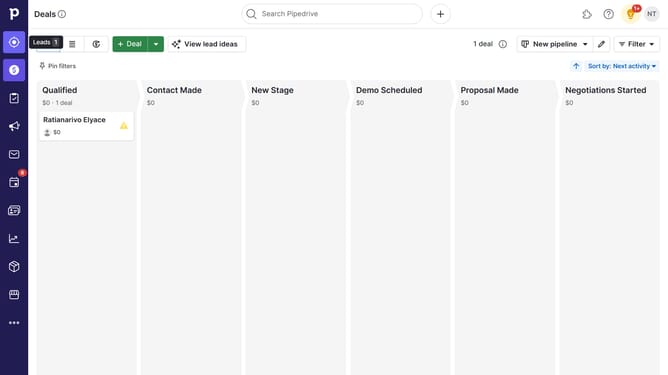
Where to find source fields in Pipedrive
Here is where to find source fields in pipedrive
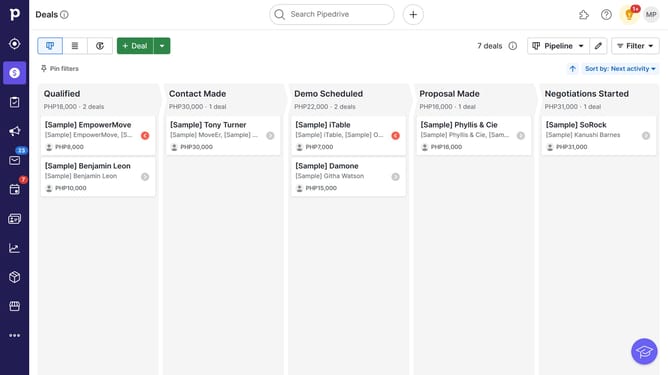
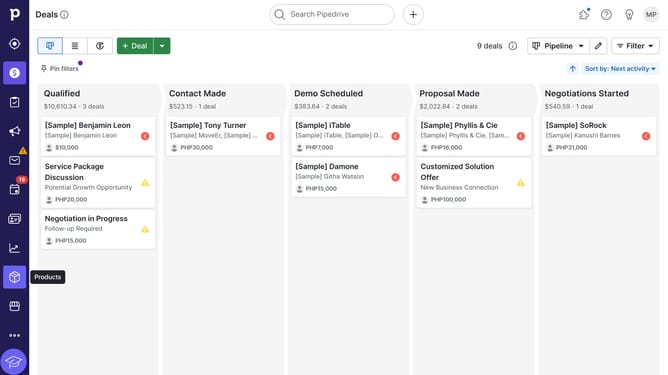
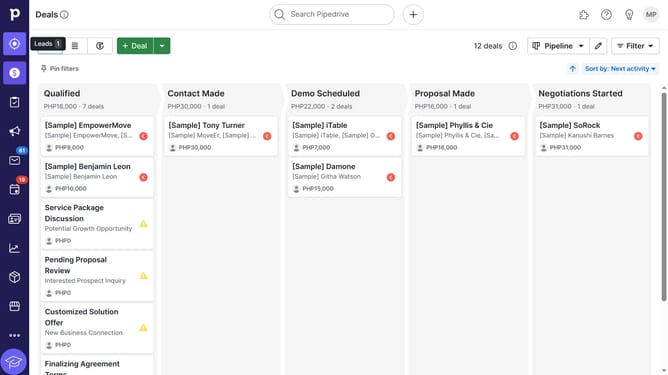
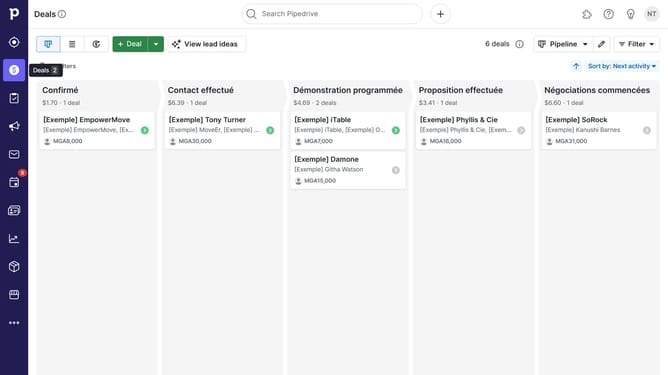
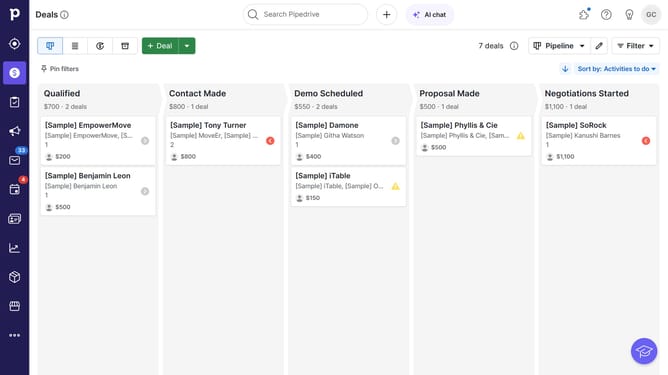
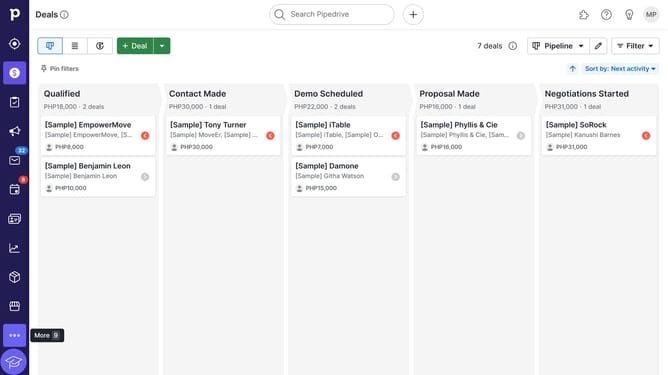
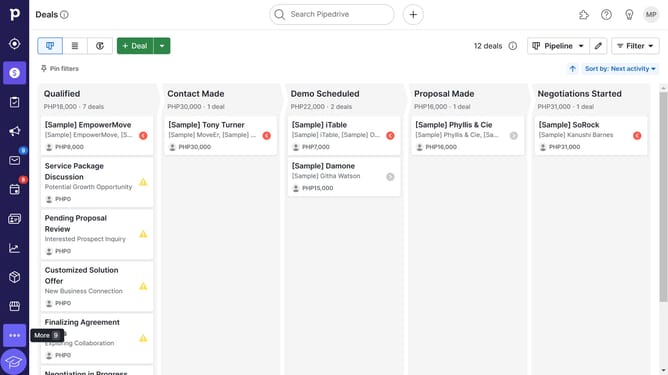
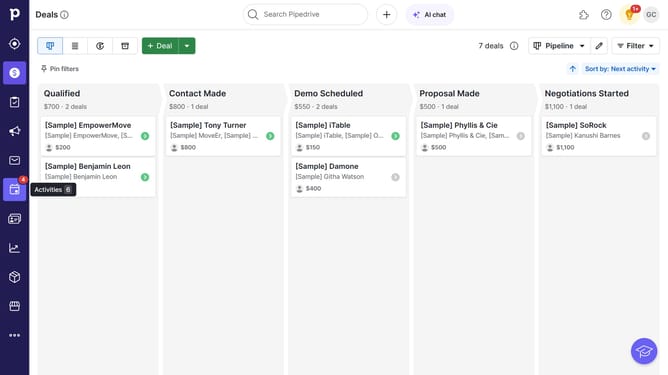
- In the deals pipeline view, click on the deal card you want to check
- In the deal details page, scroll down until you see the "Source" section
Why should you Where to find source fields in Pipedrive
Pipedrive is an intuitive CRM tool designed to streamline and enhance your sales process.
Within Pipedrive, source fields are indispensable for tracking the origin of leads and improving data organization. These fields can be found effortlessly within the deal details, giving immediate insight into what powers your sales funnel.
Utilizing source fields not only aids in meticulous tracking but also fine-tunes your strategizing efforts, leading to more informed business decisions and elevated conversion rates.
Last update