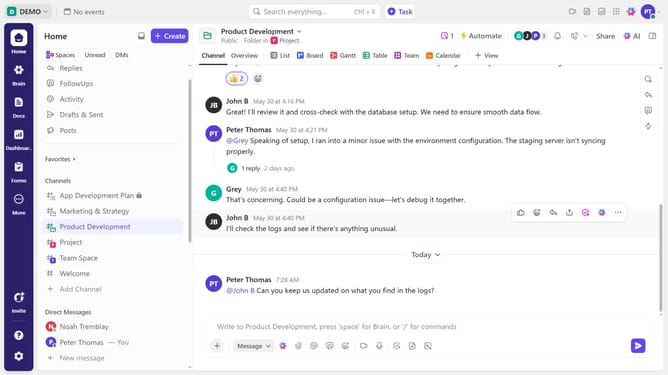
How to view Time Estimates in a Workload view in ClickUp
Here is how to view time estimates in a workload view in clickup
- First navigate to your Workload view from the Views Bar at the top
- Next click on the "Workload" dropdown in the upper-left corner
- Then select "Time Estimates" option from the dropdown menu
Why should you view Time Estimates in a Workload view in ClickUp
ClickUp is a productivity platform designed to help teams plan, track, and manage their work.
Viewing Time Estimates in the Workload view allows team members to gauge their tasks and projects at a glance, ensuring no one is overburdened or underutilized.
This feature enhances productivity by offering a clear picture of capacity and time distribution.
By using Time Estimates, teams can better prioritize tasks, meet deadlines, and maintain a balanced workload, fostering an efficient and collaborative work environment.
Last update