How to view a task's subtasks in ClickUp
Here is how to view a task's subtasks in clickup
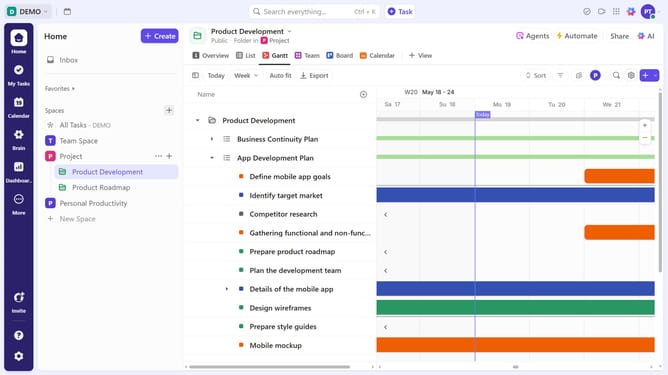
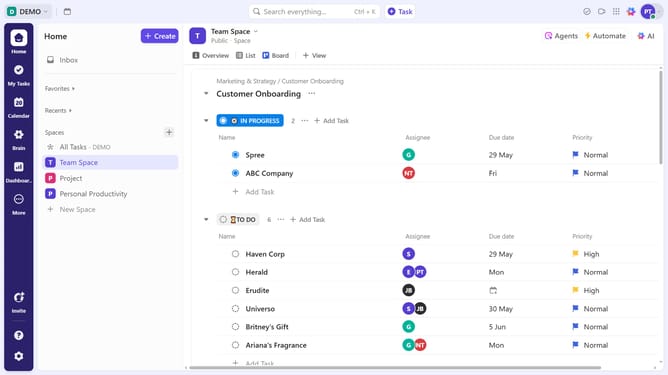
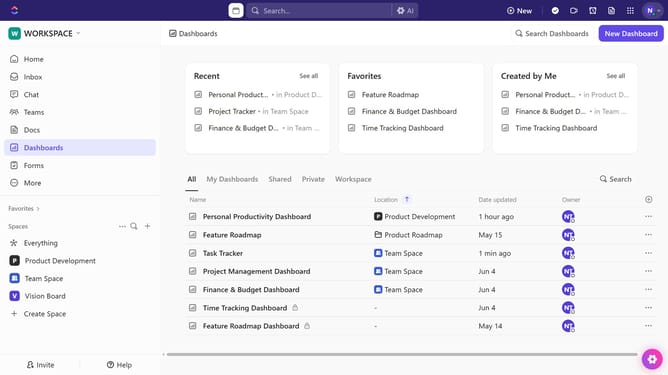
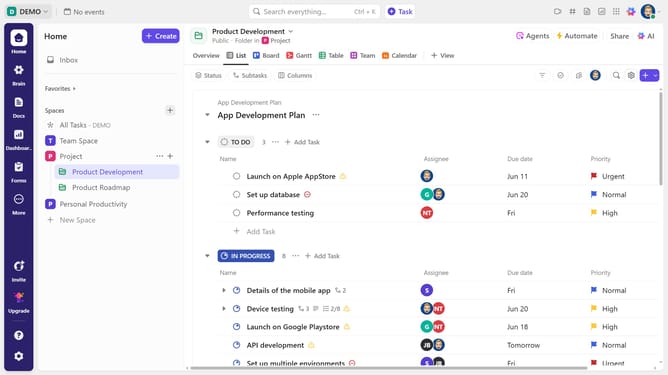
- First in the left sidebar, under the relevant Space, click on the Folder or List that contains the task
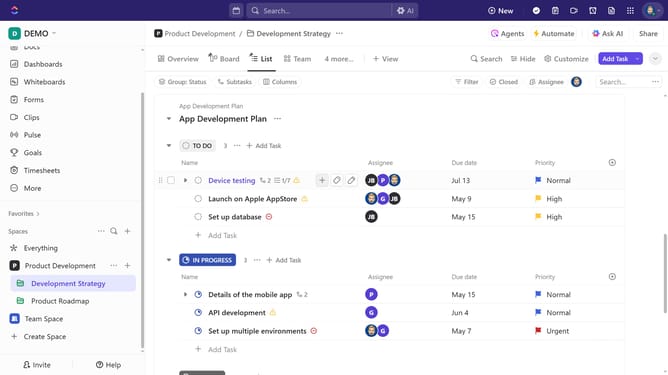
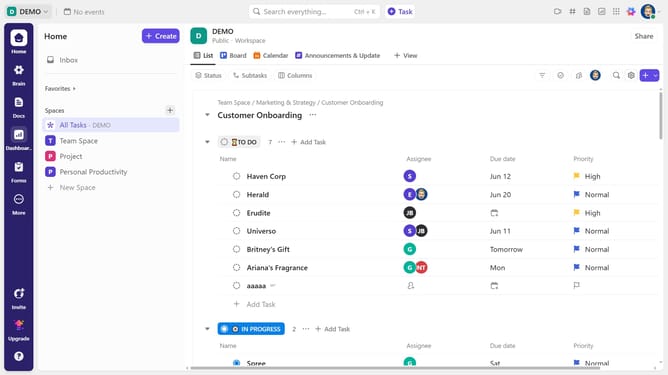
- Then in your preferred view, locate the task you want to view its subtasks
- Click on the subtask dropdown below the task
- The list of subtasks will be displayed for you to review
- Alternatively, click on the task name to access its details
- Finally in the task details view, scroll down to locate the "Subtasks" section and view the list of subtasks
Why should you view a task's subtasks in ClickUp
ClickUp is a versatile project management tool designed to streamline task coordination effectively.
One of its standout features is the ability to easily view a task's subtasks, making project complexities manageable.
This functionality provides a comprehensive view of task hierarchies, aligning team objectives and timelines efficiently.
By using this feature, users can ensure that no task detail is overlooked, promoting better workflow organization and accountability.
Last update