How to turn a table column into a date column in a document in Slite
Here is how to turn a table column into a date column in a document in slite
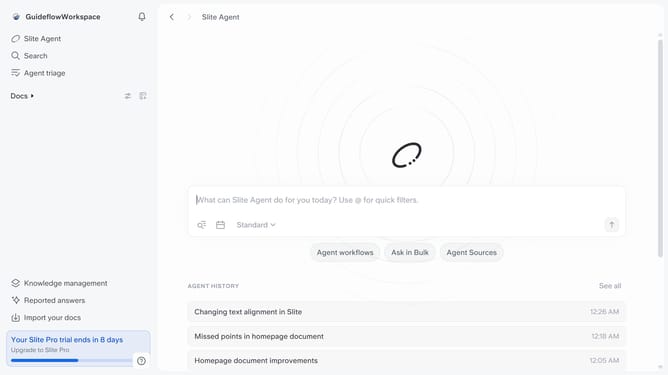
- First click on "Docs" item in the left sidebar
- Then open the Slite document you want to edit
- Next, click on the icon next to the column header
- Then click on "Column type" in the dropdown menu
- Finally select "Date" item from the dropdown menu
Why should you How to turn a table column into a date column in a document in Slite
Slite is a streamlined collaboration tool designed to enhance team communication and knowledge sharing effortlessly.
Transforming a table column into a date column in Slite optimizes your document organization. This feature offers clarity, turning raw data into structured timelines, paving the way for better project tracking and analysis.
Using a date column enhances workflow efficiency by allowing quick scheduling without clutter. It enables team members to align on deadlines with precision, making collaboration seamless and intuitive. In Slite, these enhancements foster a more organized and productive environment.
Last update