Confluence
Confluence is a team workspace platform for companies to create, organize, and collaborate on documents, project plans, and internal knowledge in one shared place.
Website
Industry
Collaboration
Share this article:

How to stop allowing public links by default in new Confluence spaces

Here is how to stop allowing public links by default in new confluence spaces

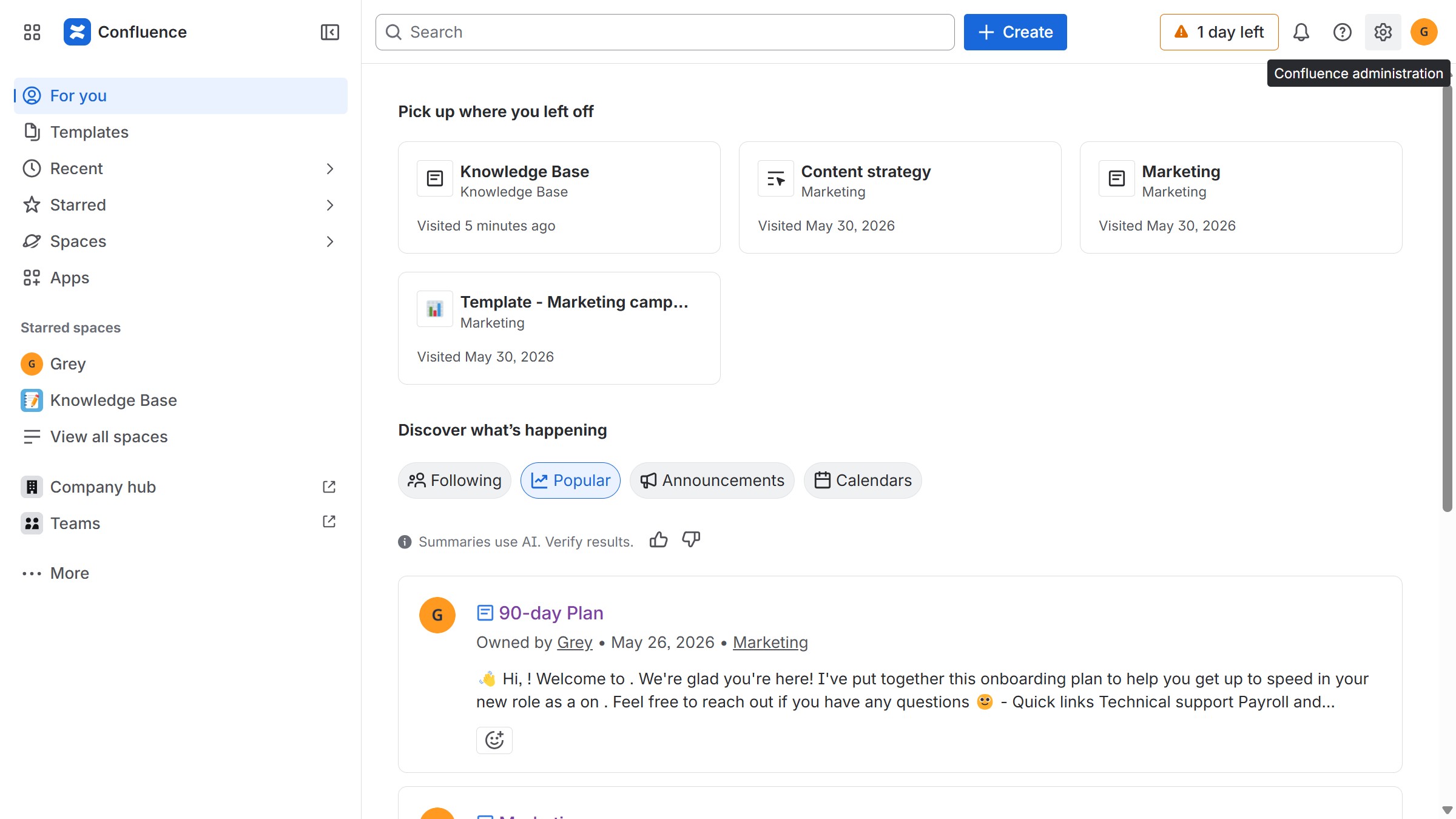
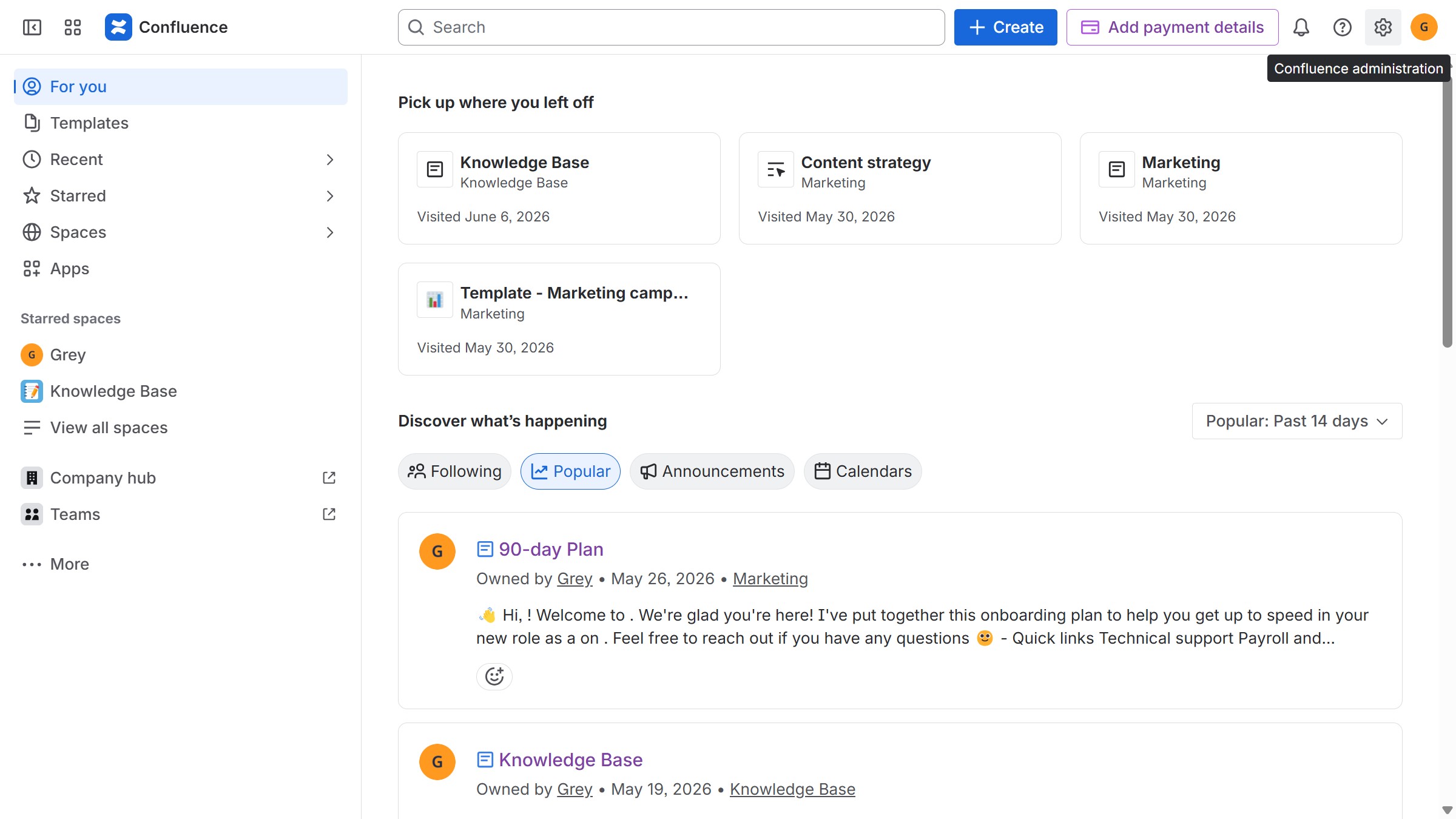
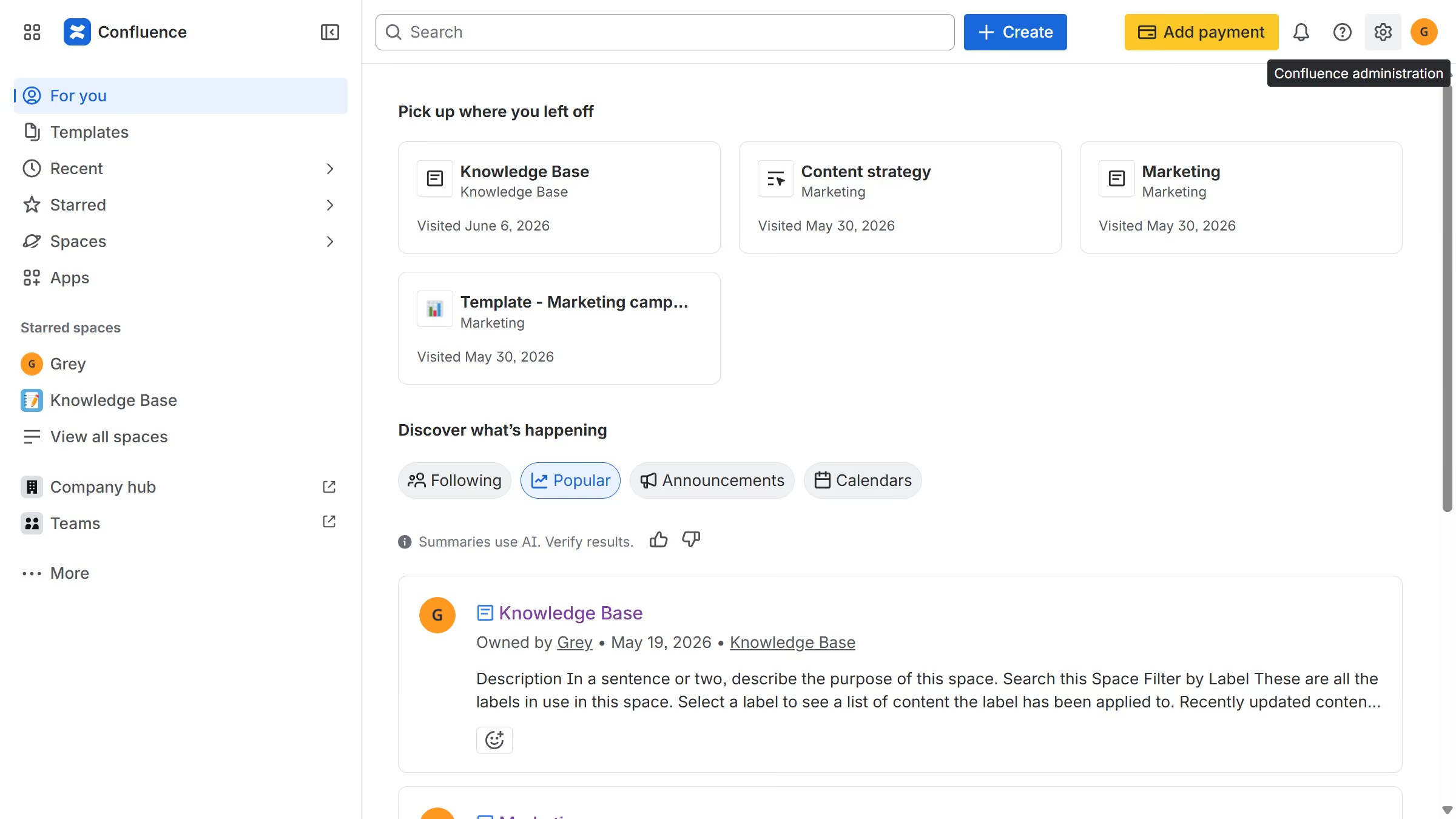
  1. First click on the gear icon in the top right header to open the Confluence administration menu
  2. Under the "Settings" section, click on "Permissions"
  3. Select the "Space defaults" option in the submenu
  4. Then locate the "Allow public links in all new spaces" toggle
  5. Finally, turn off the toggle to disable public links in newly created Confluence spaces

Create your own interactive guide with Guideflow

Why should you stop allowing public links by default in new Confluence spaces

Confluence is a dynamic team workspace where collaboration and knowledge-sharing thrive.

The feature to stop allowing public links by default in new Confluence spaces enhances security and control over shared content. By disabling public link creation as a default setting, teams can safeguard sensitive information.

This approach fosters a secure collaboration environment, ensuring that only intended users access critical projects. Empower your team to manage accessibility with confidence, while still maintaining flexibility in sharing when needed.


Last update
June 12, 2026
Cursor MariaA cursor points to a button labeled "James."

Create your first demo in less than 30 seconds.