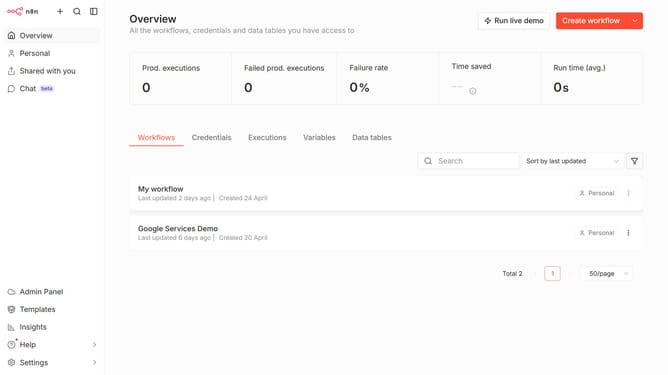
How to sort users by 2FA status descending in n8n
Here is how to sort users by 2fa status descending in n8n
- First click on "Settings" item in the sidebar.
- Then click on "Users" option from the dropdown menu.
- Finally double click on the "2FA" column header.
Why should you sort users by 2FA status descending in n8n
n8n is a flexible workflow automation tool designed to connect disparate applications seamlessly.
Sorting users by 2FA status in descending order within n8n allows administrators to quickly pinpoint accounts with weaker security, ensuring organizational safety.
By gaining insights into users' 2FA statuses, teams can focus efforts on boosting security measures, fortifying defenses against potential breaches.
This enhanced sorting capability transforms how teams prioritize security updates, ultimately supporting robust data protection strategies.
Last update