How to set the eSignature Value Calculator estimation approach to moderate in DocuSign
Here is how to set the esignature value calculator estimation approach to moderate in docusign
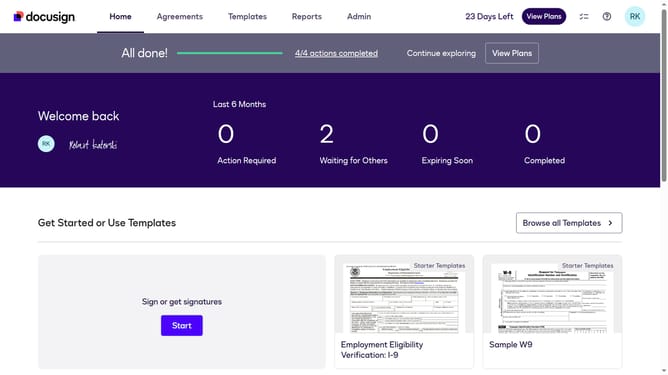
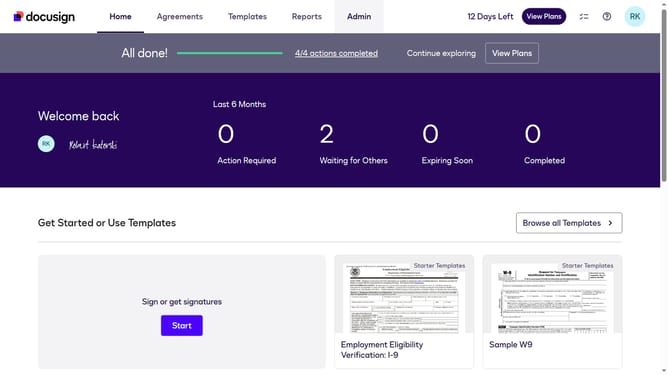
- First click on the "Admin" navigation link in the top menu
- Then click on the "Value Calculator" link in the left sidebar under the ACCOUNT section
- Finally select the "Moderate" radio button option under the "Select an Estimation Approach" section
Why should you set the eSignature Value Calculator estimation approach to moderate in DocuSign
DocuSign allows you to effortlessly manage electronic signatures, streamlining your document processes.
Setting the eSignature Value Calculator estimation approach to moderate ensures a balanced assessment of your digital signature efforts.
This feature provides a reasonable overview of your investment returns, helping you make informed decisions for your business.
Embracing this setting can enhance efficiency and ensure that your use of digital signatures aligns well with organizational objectives.
Last update