How to set Mini Sudoku activity to be visible only to me on LinkedIn
Here is how to set mini sudoku activity to be visible only to me on linkedin
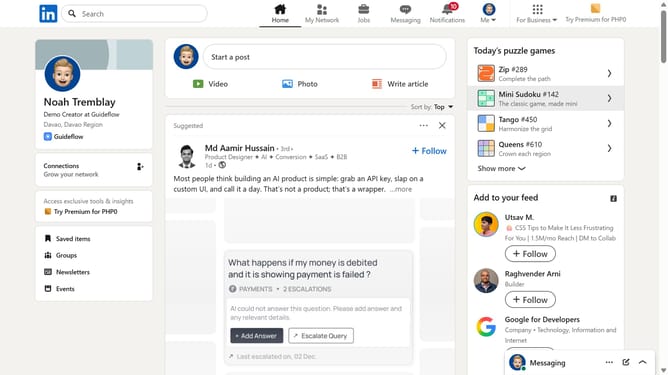
- First click on the "Mini Sudoku" game card in the right sidebar under Today's puzzle games section
- Then click on the "Settings" dropdown button in the top right corner of the game interface
- Next click on the "Who can see game activity" option in the settings menu
- Finally select the "Only me" privacy option by clicking its radio button in the privacy settings dialog
Why should you set Mini Sudoku activity to be visible only to me on LinkedIn
LinkedIn is a powerful professional networking platform designed to connect professionals and businesses worldwide.
Setting your Mini Sudoku activity to be visible only to you on LinkedIn is a smart way to maintain privacy while enjoying some casual puzzle-solving during your work breaks.
This feature allows you to indulge in your puzzle passion without broadcasting it to your professional network, helping maintain your professional image.
By keeping certain activities private, you ensure your LinkedIn profile remains focused on your career and professional achievements.
Last update