How to turn on job invitations from recruiters on LinkedIn
Here is how to turn on job invitations from recruiters on linkedin
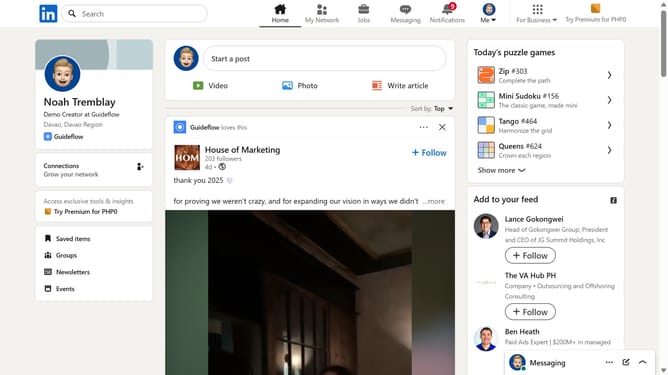
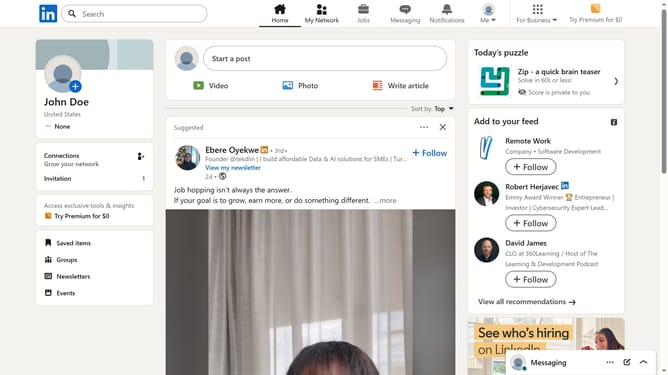
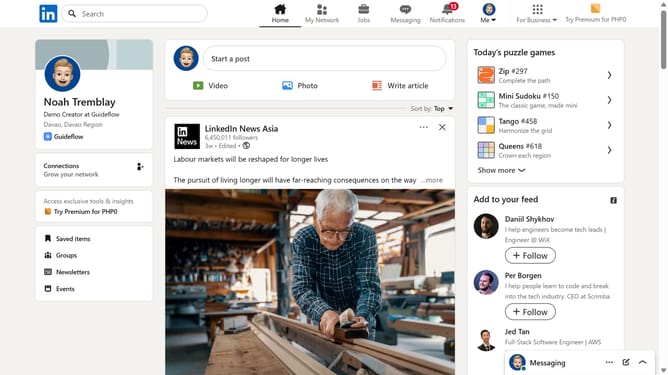
- First click on the "Me" dropdown menu in the top navigation bar
- Then click on "Settings & Privacy" option in the dropdown menu
- Next click on "Visibility" option in the left sidebar menu
- Then click on "Messages" option in the main content area under "Who can reach you" section
- Finally toggle on the "Job invitation messages from recruiters" switch
Why should you turn on job invitations from recruiters on LinkedIn
LinkedIn is the world's largest professional network, connecting job seekers with opportunities and industry leaders.
Turning on job invitations from recruiters on LinkedIn lets you catch the eye of potential employers actively seeking your unique skills. By simply activating this feature, you open doors to personalized job opportunities that might otherwise go unnoticed.
This proactive approach enhances your job search, ensuring you are more visible and attractive to recruiters seeking talent like yours. Engaging directly with recruiters can accelerate career advancement and lead to your next big professional milestone.
Last update