How to turn off available placements in Mini Sudoku in LinkedIn
Here is how to turn off available placements in mini sudoku in linkedin
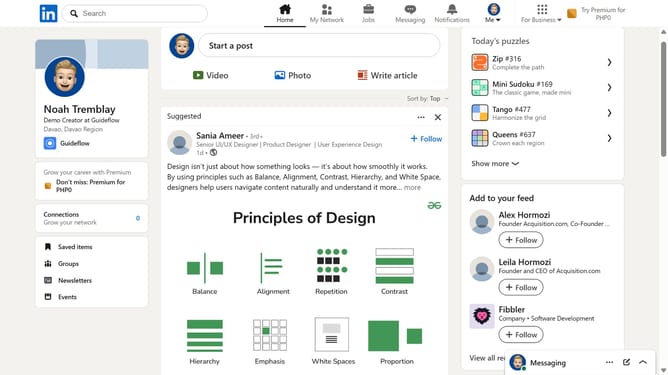
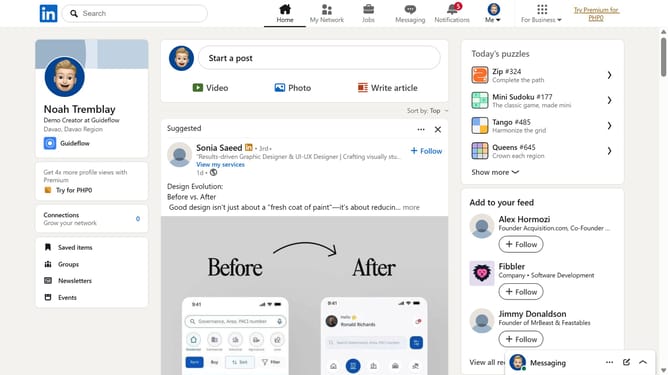
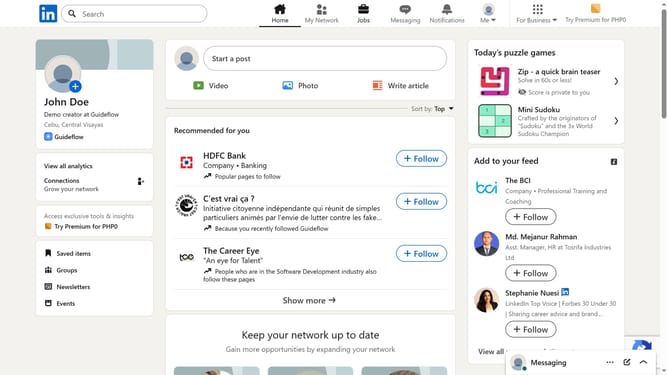
- First click on the "Mini Sudoku" game card in the right sidebar under "Today's puzzle games" section
- Then click on the "Settings" dropdown button in the top right corner of the game interface
- Finally turn off the "Show available placements" toggle option in the settings menu
Why should you turn off available placements in Mini Sudoku in LinkedIn
LinkedIn is the professional network designed to connect the world's workforce for career opportunities and growth.
Incorporating the Mini Sudoku feature, LinkedIn allows users to engage in a fun and challenging activity during their downtime. One of the customizable components of this feature is the ability to turn off available placements.
Adjusting these settings enhances the puzzle difficulty, offering a more stimulating experience. This promotes strategic thinking and focus, ultimately boosting your cognitive skills while maintaining a lighter user interface as you navigate the platform.
Last update