Linkedin
LinkedIn is a professional networking platform that helps individuals and businesses connect, share opportunities, and grow careers. It offers tools for recruiting, marketing, sales, and learning, with over 1 billion members worldwide, including executives from every Fortune 500 company.
Website
Industry
Leadgen
Share this article:

How to turn on push group invitations notifications on LinkedIn

Here is how to turn on push group invitations notifications on linkedin

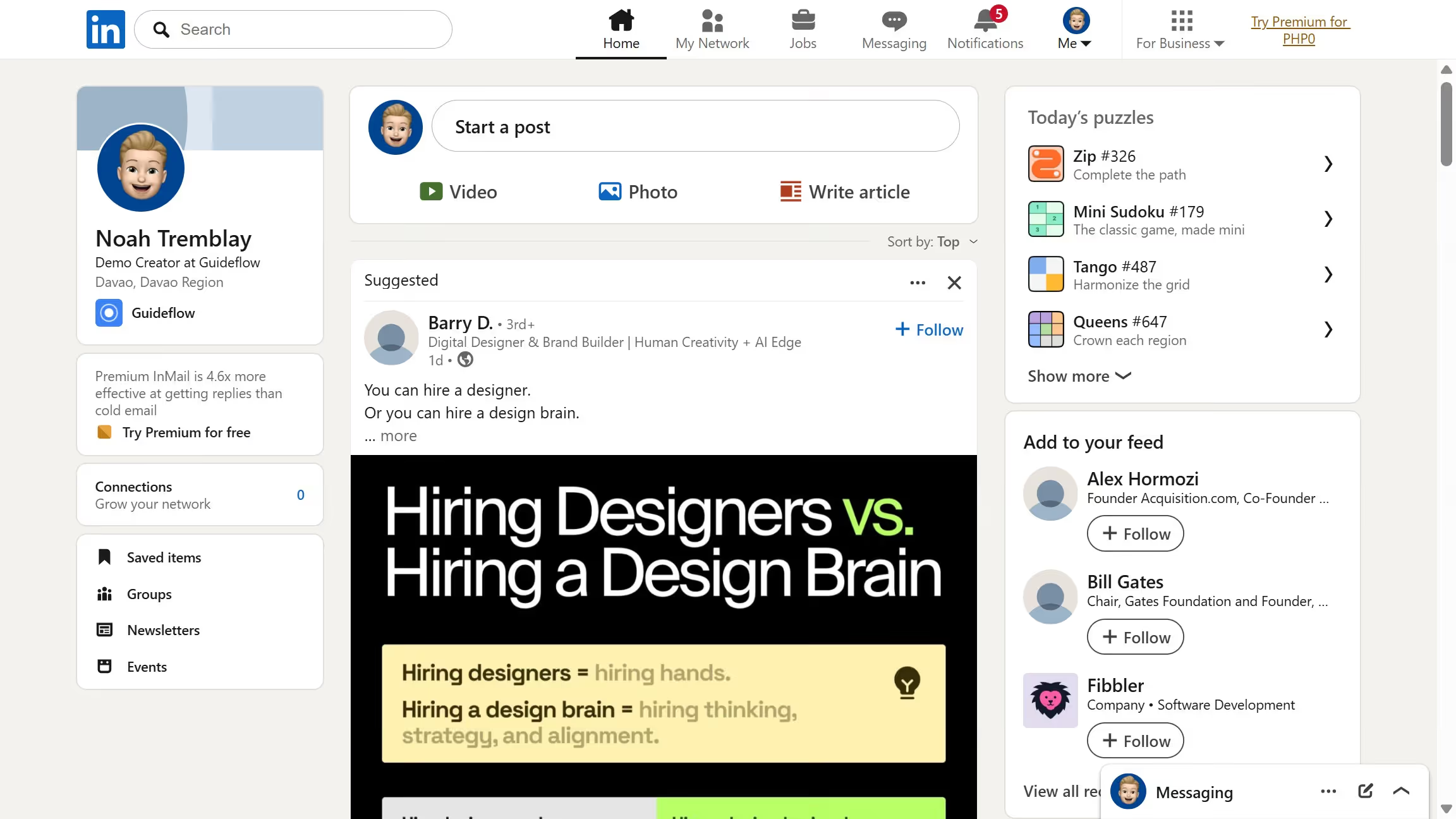
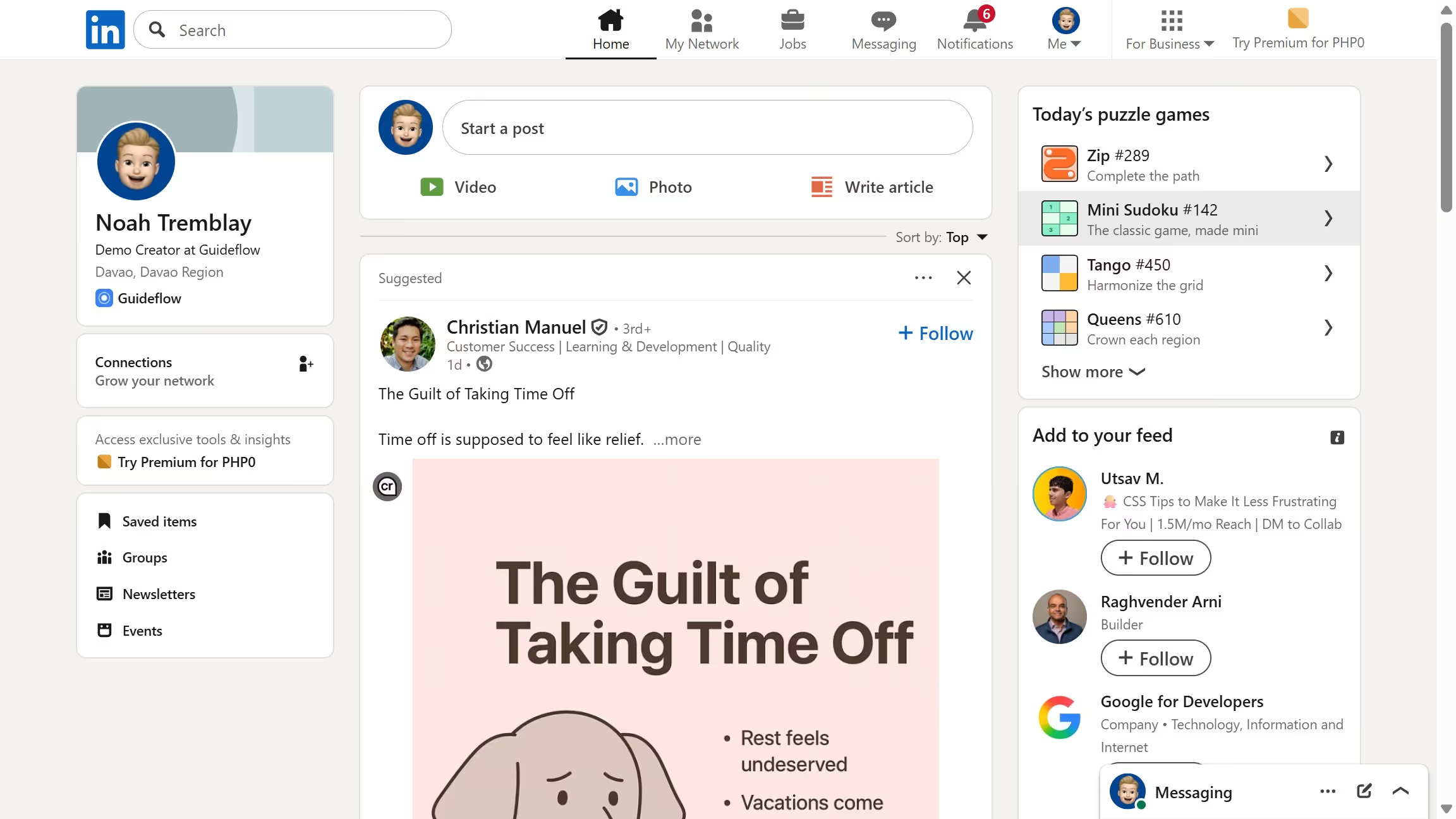
  1. First click on the "Me" dropdown menu in the top navigation bar
  2. Then click on "Settings & Privacy" option in the dropdown menu
  3. Next click on "Notifications" section in the left sidebar
  4. Then click on "Groups" option in the notifications settings list
  5. Then click on "Group invitations" option in the groups notification settings
  6. Finally toggle on the "Push notifications" switch for group invitations

Create your own interactive guide with Guideflow

Why should you turn on push group invitations notifications on LinkedIn

LinkedIn is the premier professional networking platform, designed to connect professionals and foster career growth.

Enabling push group invitation notifications on LinkedIn ensures you're always in the loop when it comes to exciting group opportunities, enhancing your chances of engaging with like-minded professionals.

Staying informed about group invitations can significantly expand your professional network, offering you access to industry-specific insights and discussions that can be pivotal in your career advancement.

With push notifications, you won't miss out on valuable group interactions, making it easy to maintain an active and well-connected professional presence on LinkedIn.


Last update
March 16, 2026
Cursor MariaA cursor points to a button labeled "James."

Create your first demo in less than 30 seconds.