How to send an SMS message in Brevo
Here is how to send an sms message in brevo
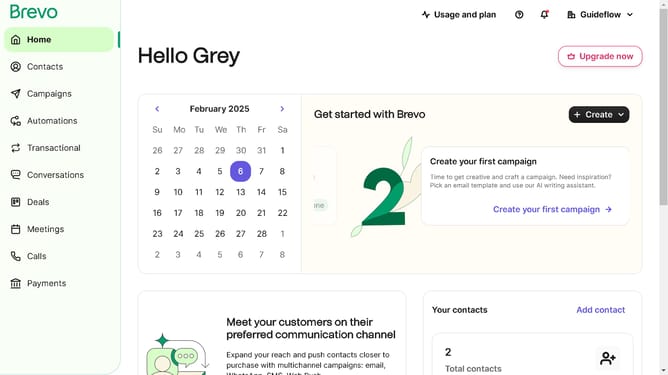
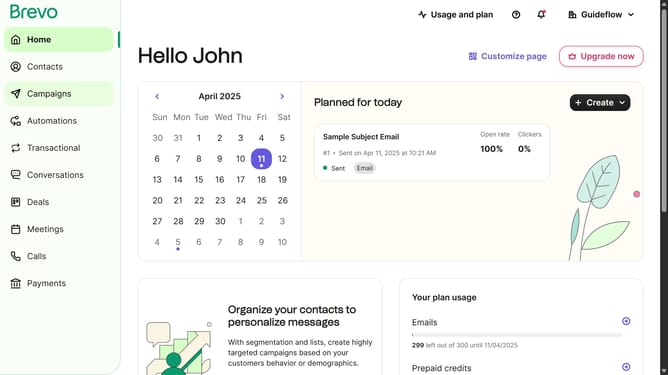
- First click on "Campaigns" in the left sidebar menu
- Then click on the "SMS" tab in the campaigns section
- Next click on the draft "Onboarding Message" campaign
- In the top header, click on the "Send now or later" button
- In the modal dialog that appears, click the "Send now" button
- Finally click the "Send now" button in the bottom right corner
Why should you send an SMS message in Brevo
Brevo is a dynamic platform designed to streamline communication for businesses.
The ability to send an SMS message in Brevo enhances direct engagement with your audience, ensuring timely and effective outreach.
Leveraging this feature allows businesses to maintain personal connections with their customers, promoting loyalty and satisfaction.
Overall, sending SMS messages through Brevo ensures your messages reach your audience swiftly, enhancing interactions and boosting operational efficiency.
Last update