How to search for jobs in LinkedIn
Here is how to search for jobs in linkedin
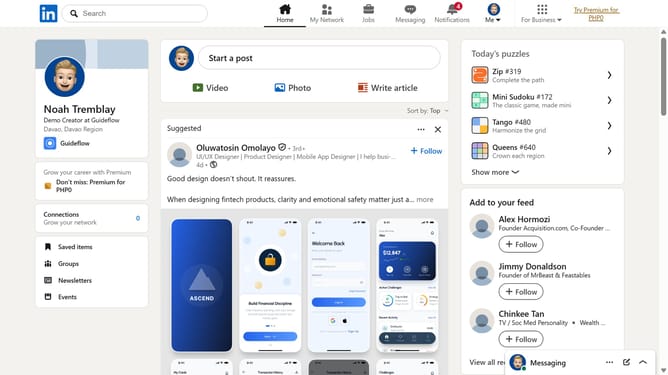
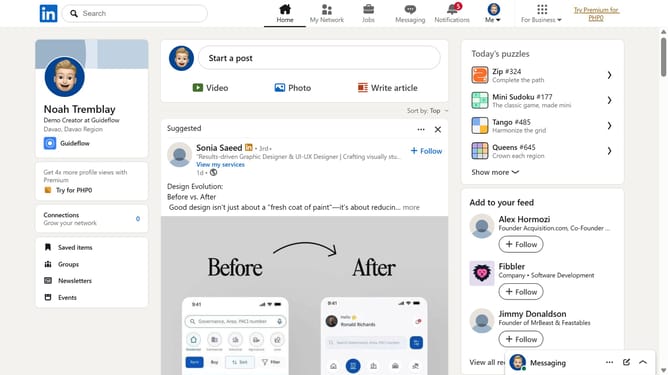
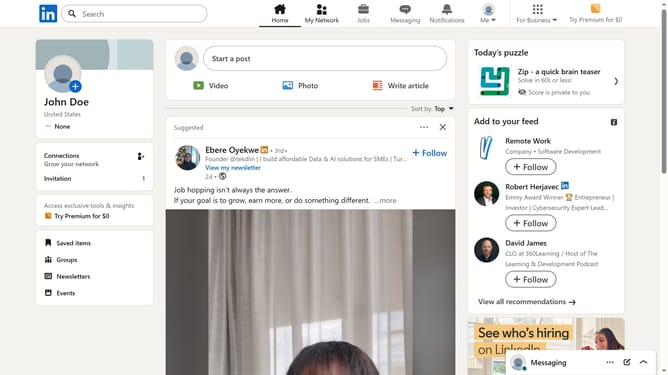
- First click on the "Jobs" icon in the top navigation bar
- Then type a job title, keyword, or company name into the search bar
- Finally browse the job listings that match your search criteria
Why should you search for jobs in LinkedIn
LinkedIn is a powerful networking platform designed to connect professionals across the globe.
One of its standout features is its job searching capability, which is remarkably helpful for career-minded individuals.
With LinkedIn’s intuitive job search, users can effortlessly explore new opportunities that align with their skills and interests.
This feature not only saves time but also ensures that job seekers can target their efforts efficiently, making it an essential tool for professionals in any industry.
Last update