How to turn off job invitations from recruiters on LinkedIn
Here is how to turn off job invitations from recruiters on linkedin
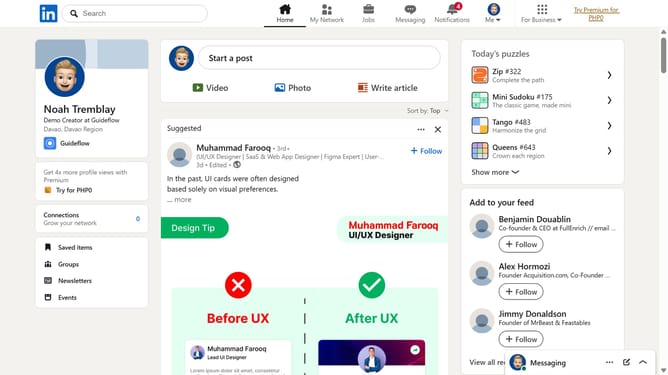
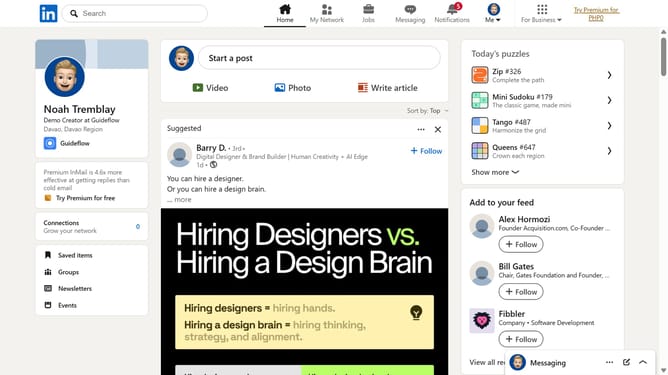
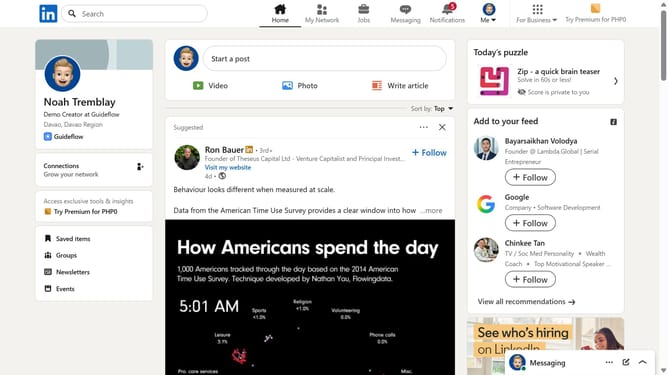
- First click on the "Me" dropdown menu in the top navigation bar
- Then click on "Settings & Privacy" option in the dropdown menu
- Next click on "Visibility" section in the left sidebar menu
- Then click on "Messages" option under the "Who can reach you" section
- Finally toggle off the option for job invitations from recruiters
Why should you turn off job invitations from recruiters on LinkedIn
LinkedIn is a leading professional networking platform designed to connect the world's workforce.
Turning off job invitations from recruiters on LinkedIn can enhance focus and peace of mind for users who are not actively seeking new opportunities.
This feature allows individuals to maintain control over their inbox by reducing unwanted messages, thus ensuring they only engage with relevant content and connections.
The ability to customize this setting empowers professionals to tailor their LinkedIn experience to better suit their current career goals and networking preferences.
Last update