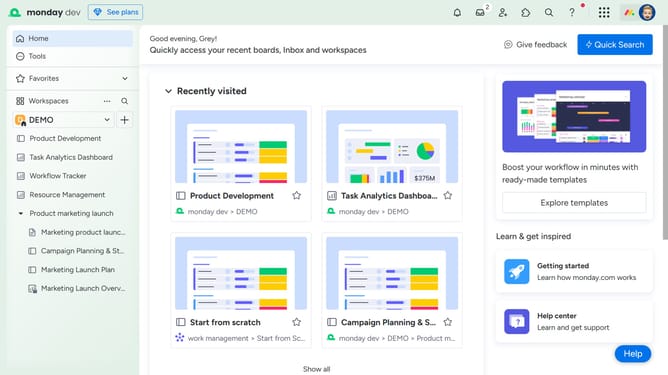
How to reorder your views in Monday.com
Here is how to reorder your views in monday.com
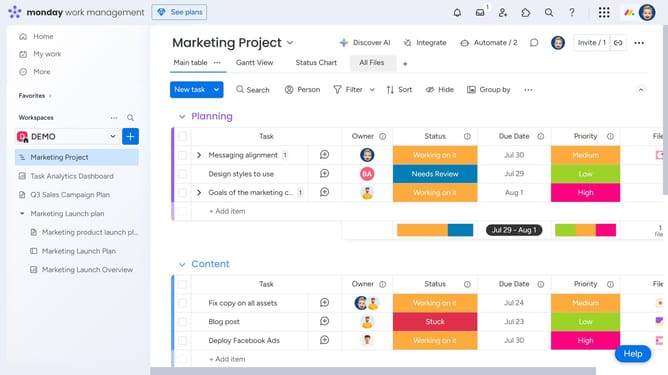
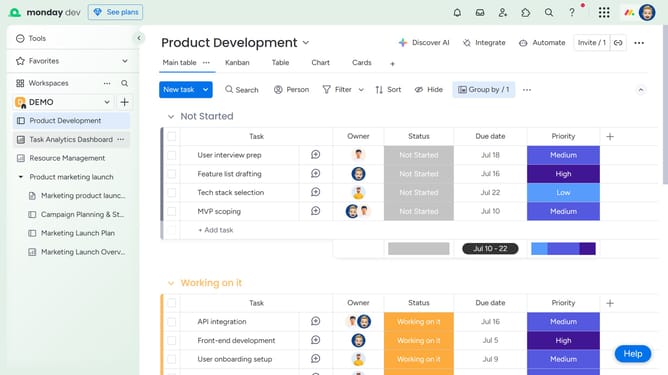
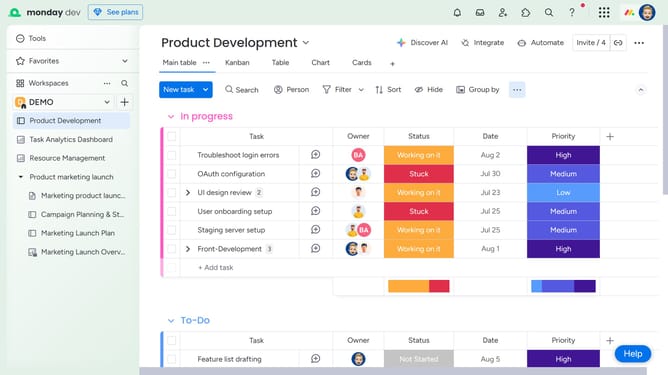
- First navigate to the board containing the views you want to reorder
- Next locate the view tab you want to move
- Then click and drag it left or right to your desired position on the views bar
- Alternatively, click on the the views dropdown menu
- Next hover over the view you want to move from the list
- Then click and drag it up or down to reorder it
Why should you reorder your views in Monday.com
Monday.com is a versatile work operating system designed to streamline team management and project workflows.
One standout feature is the ability to reorder your views, allowing users to customize their workspace for optimal efficiency.
This feature grants flexibility, enabling you to prioritize tasks and resources in a way that matches your personal or team preferences.
By tailoring your views, you can enhance productivity and maintain a clear focus on your most critical projects and deadlines.
Last update