How to remove default Ollama chat provider credential in n8n
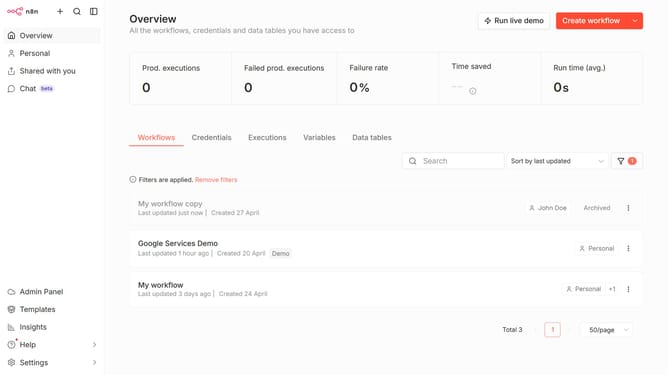
Here is how to remove default ollama chat provider credential in n8n
- Then click on "Settings" in the sidebar.
- Then click on "Chat" in the sidebar menu.
- Then click on the vertical ellipsis (three dots) icon.
- Then click on "Edit provider" button.
- Then click on the close button (X icon).
- Then click on "Confirm" button.
Why should you remove default Ollama chat provider credential in n8n
n8n is a powerful automation tool designed to simplify complex workflows across various platforms.
The ability to remove default Ollama chat provider credentials in n8n enhances flexibility in customizing workflows to meet specific needs.
This feature allows users to easily manage and update credentials, securing integrations against unauthorized access while ensuring smooth operations.
By managing default settings, users can tailor their setups, optimizing both performance and security as they innovate and automate tasks effortlessly.
Last update