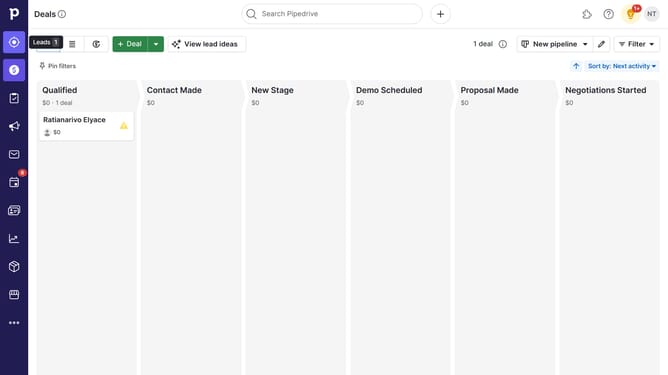
How to open the Sales Assistant in Pipedrive
Here is how to open the sales assistant in pipedrive
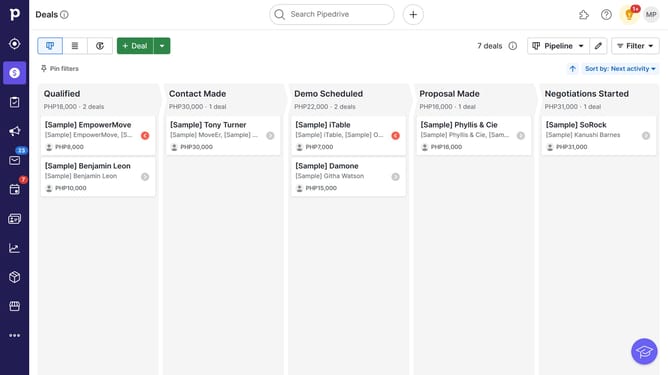
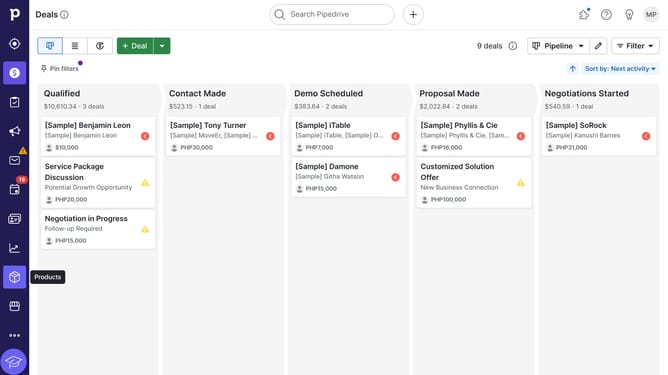
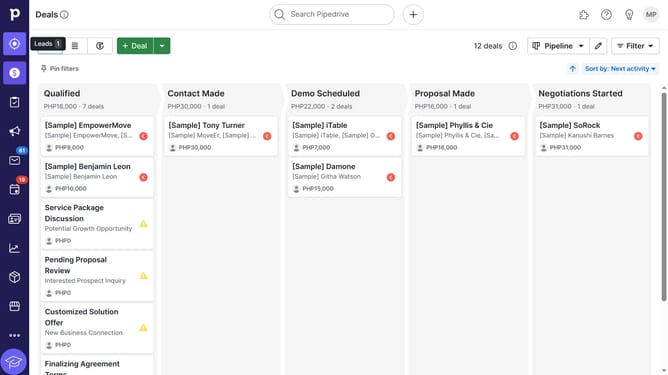
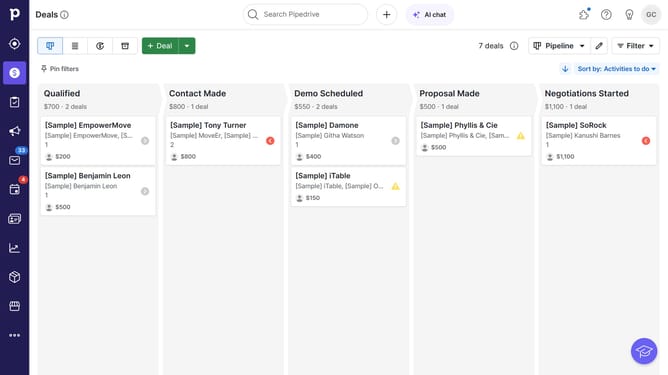
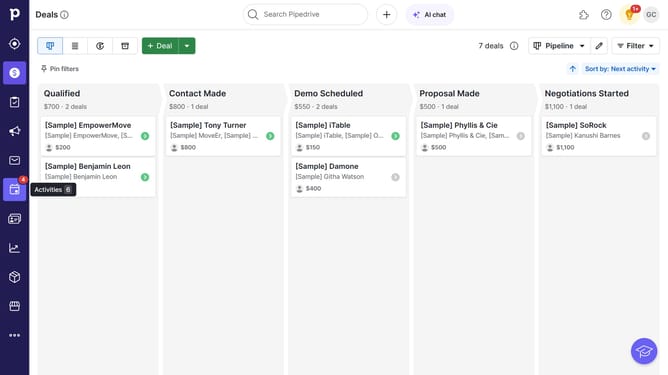
- First, locate the lightbulb icon in the top-right corner of the screen and click on it
- Then, the Sales Assistant panel will slide out from the right side, displaying progress, suggestion and alerts
Why should you open the Sales Assistant in Pipedrive
Pipedrive is a dynamic tool designed to empower sales teams by streamlining their pipeline management and boosting overall sales performance.
To enhance this experience, the Sales Assistant in Pipedrive offers intuitive insights and helpful suggestions tailored to your specific activities and sales data.
Accessing this feature allows for smarter decision-making and greater productivity by keeping you informed with actionable advice at every stage of your sales process. Utilizing the Sales Assistant helps you prioritize tasks efficiently, ensuring that nothing falls through the cracks.
Last update