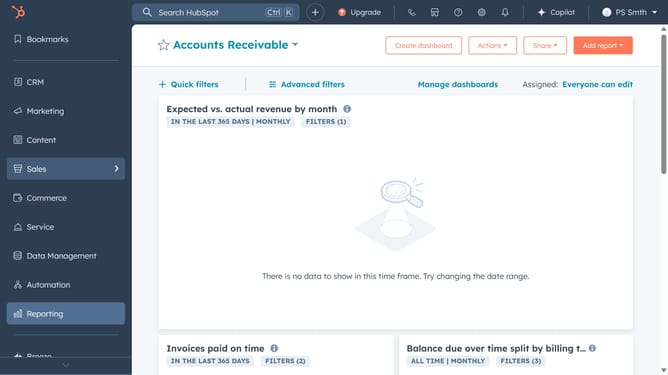
How to integrate HubSpot with Zoom?
Here is how to integrate hubspot with zoom
- Go to "App Marketplace", search for "Zoom" and select it from the results
- Next click "Install app" to begin the setup
- Log in to your Zoom account and grant the required permissions by clicking "Allow"
- HubSpot and Zoom are now connected. You can find Zoom under Connected Apps
Why should you integrate HubSpot with Zoom?
HubSpot is a powerful platform designed to streamline marketing, sales, and customer service strategies.
Integrating HubSpot with Zoom unlocks seamless scheduling and communication capabilities, merging powerful CRM tools with virtual meetings. This automation ensures efficient coordination, allowing teams to focus on building relationships and closing deals.
By syncing your HubSpot and Zoom accounts, you enhance productivity, streamline workflows, and ensure a cohesive experience for both team members and customers.
Last update