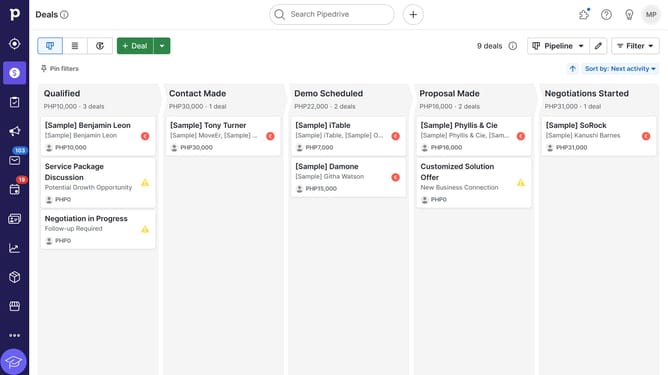
How to import data in Pipedrive
Here is how to import data in pipedrive
- First click on the "More" button in the left sidebar to expand additional options
- Then click on "Import data" option in the expanded menu
- Next click on "Upload spreadsheet (.XLSX, .CSV)" button in the import dialog
- After uploading the file, click "Next" button in the bottom right corner of the mapping screen
- Then click "Next" button again on the preview screen
- Select the an option for handling duplicates
- Finally click the "Start import" button to begin the data import process
Why should you import data in Pipedrive
Pipedrive is an intuitive CRM tool designed to streamline sales processes and boost productivity.
A standout feature of Pipedrive is its ability to import data seamlessly, ensuring that information from various sources integrates smoothly into your sales workflow.
This functionality saves time and reduces manual data entry errors, allowing teams to maintain accuracy while focusing on closing deals with confidence.
Efficient data importation within Pipedrive empowers businesses to stay organized and make informed decisions with ease.
Last update