How to hide completed tasks in Attio
Here is how to hide completed tasks in attio
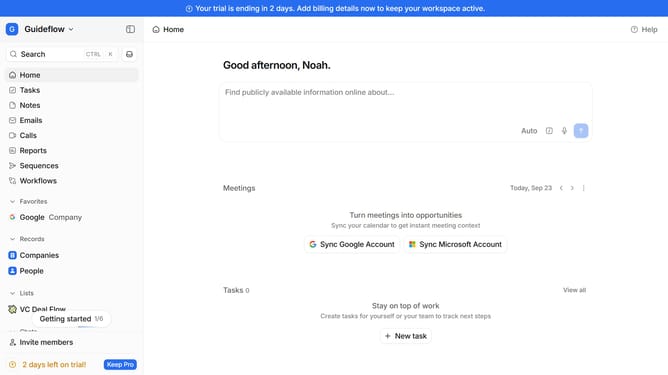
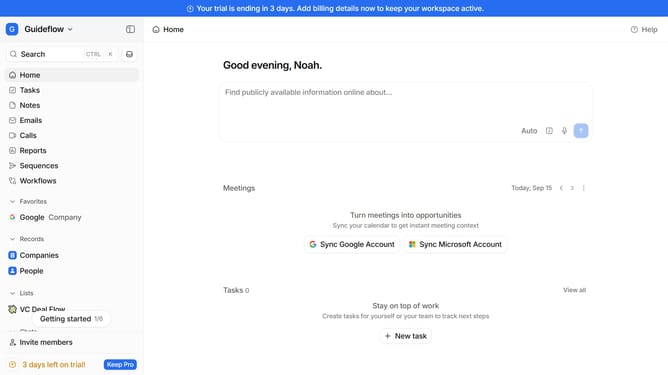
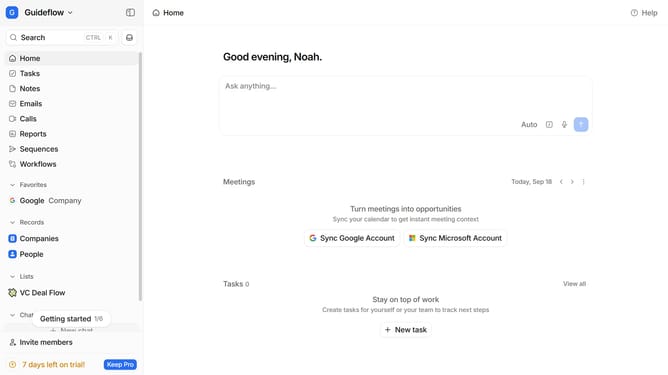
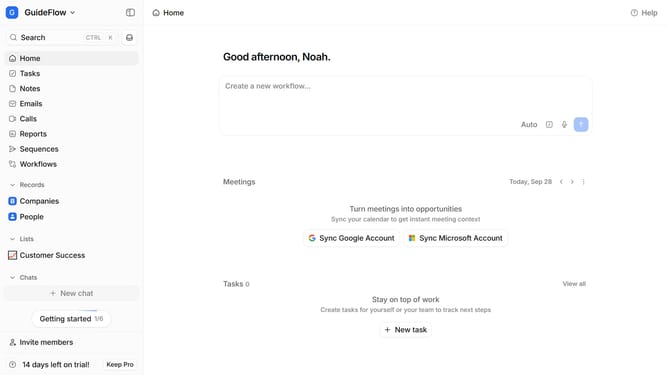
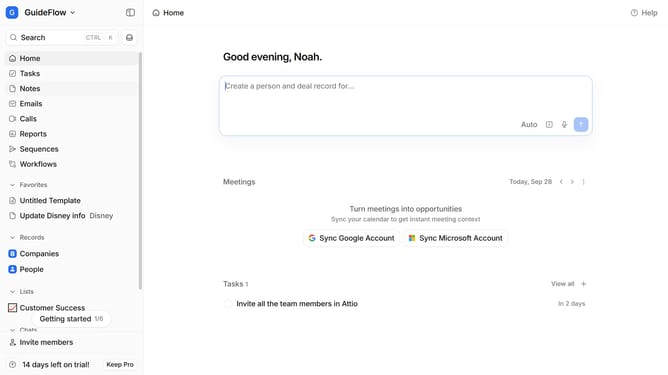
- First click on "Tasks" in the left sidebar
- Then click on the "View settings" button
- Finally, switch off the "Show completed tasks" option
Why should you How to hide completed tasks in Attio
Attio is a cutting-edge platform designed to streamline your workflows and enhance productivity by organizing your tasks efficiently.
One of the standout features of Attio is its ability to hide completed tasks. This feature enables users to maintain a clutter-free workspace, allowing you to focus on what's important without being distracted by tasks that are already completed.
By hiding completed tasks, you create a more streamlined and visually appealing to-do list, which can significantly reduce stress and boost efficiency. It helps keep your mind focused on current priorities, ensuring that nothing important gets overlooked.
Utilizing the hide completed tasks feature in Attio can lead to a more organized and productive work environment, ultimately enhancing your workflow and providing clarity to tackle upcoming challenges. Embrace this feature to experience a smoother and more focused task management process.