How to export workspace content in Notion
Here is how to export workspace content in notion
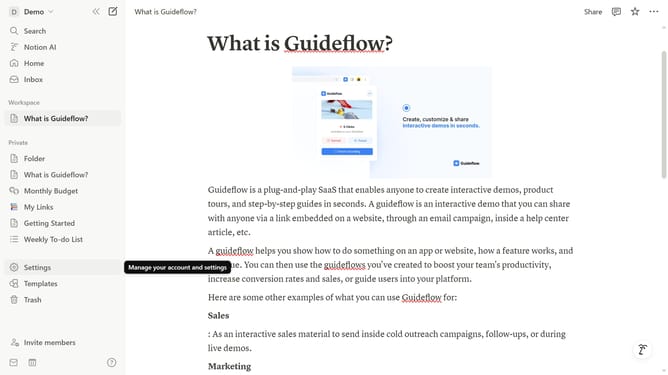
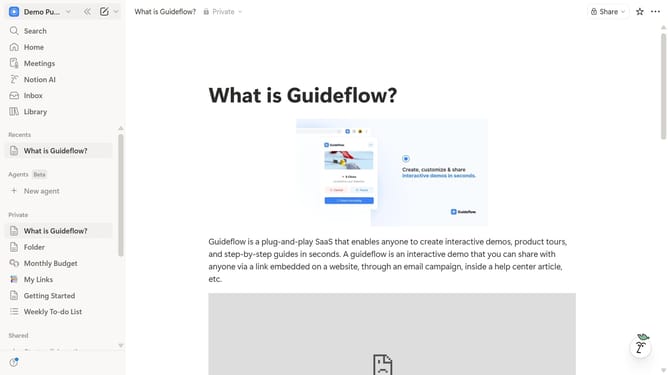
- First click on the workspace switcher button in the top-left header
- Then click on the "Settings" button in the workspace dropdown menu
- Next click on the "General" option in the Workspace section of the left sidebar
- Then click on the "Export" button under the Workspace content section
- Finally click on the "Export" button in the export dialog modal
Why should you export workspace content in Notion
Notion is a versatile workspace designed to organize your life and work.
The ability to export workspace content in Notion ensures your valuable information is always within reach. By enabling easy backups, it adds an extra layer of security and peace of mind in managing data.
Fostering seamless transitions, the export feature supports collaboration, as it allows content sharing in various formats. As a result, collaboration across different platforms becomes effortless.
Exporting your workspace content from Notion empowers users to maintain control over their digital workspace, assisting in streamlined workflow management.
Last update