How to export legacy templates from a Confluence space
Here is how to export legacy templates from a confluence space
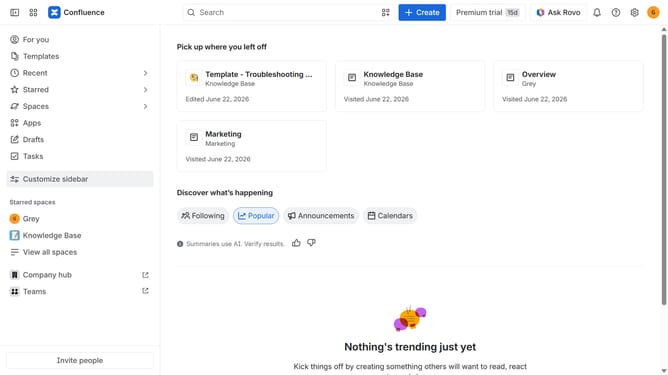
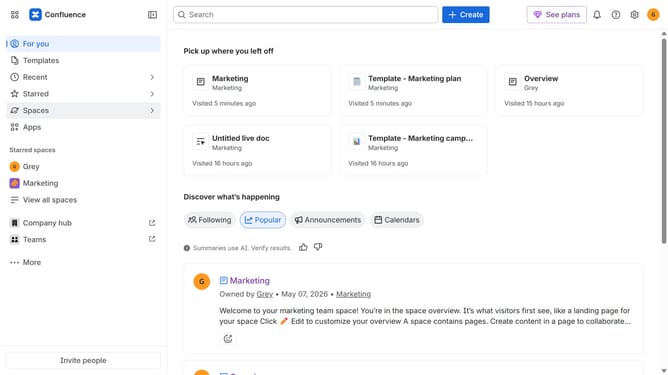
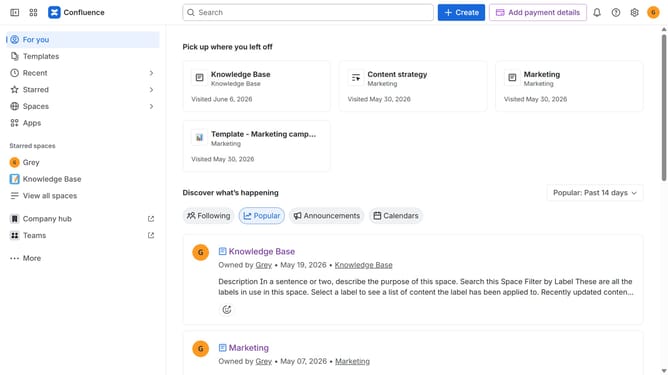
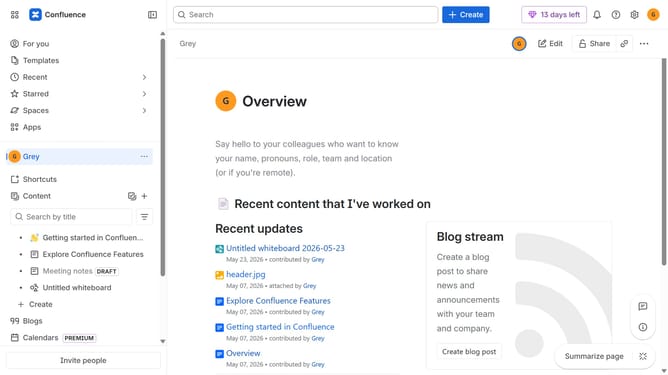
- First, navigate to the spaces list page and open the space you want to manage
- In the left sidebar, click on the three dots menu next to the space name
- Next, click on "Space settings" in the dropdown menu
- In the settings menu, click on "General"
- Click on the "Legacy content" option in the submenu
- Next, select the "Templates" content type
- Then click on the "Export CSV" button
- Finally, once the export is ready, click on the "Download CSV" button
Why should you export legacy templates from a Confluence space
Confluence is a powerful collaboration tool designed to help teams organize and share information efficiently.
Exporting legacy templates from a Confluence space allows teams to preserve valuable knowledge and streamline workflows across different projects. This capability ensures that important templates are not lost and can be easily accessed or modified for future needs.
By exporting legacy templates, organizations can maintain consistency in documentation, saving time and effort in template creation. This feature enhances knowledge management by safeguarding historical data and providing a foundation for new developments.
Last update