How to enable page icon in Zoom Docs
Here is how to enable page icon in zoom docs
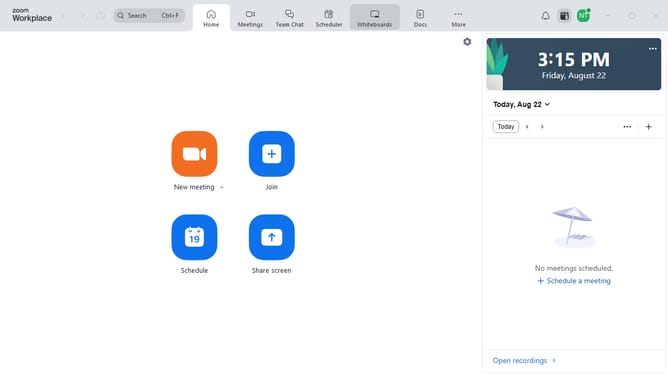
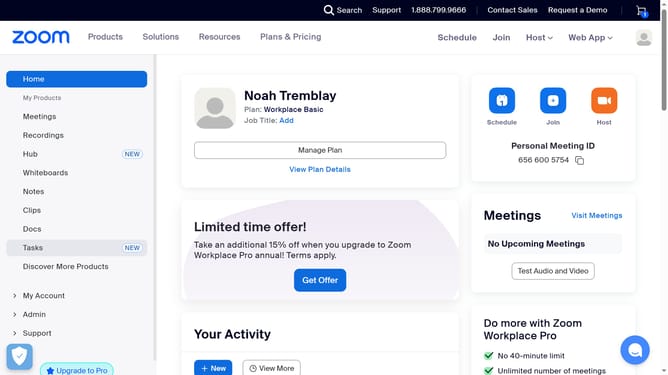
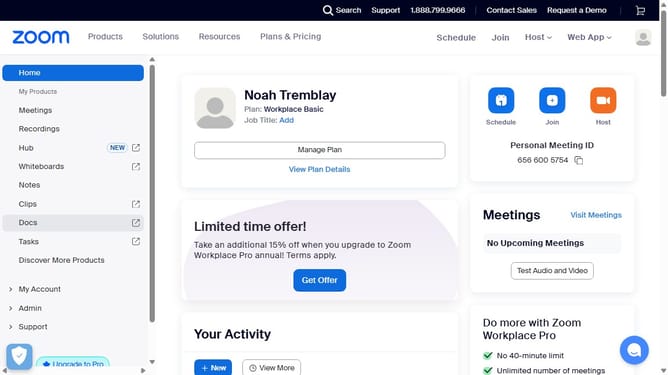
- First click on the "Docs" option in the left sidebar menu
- Then open the document where you want to enable the page icon
- Next click on the "More" menu button in the top toolbar
- Then select "Page options" from the dropdown menu
- Finally turn on the "Icon" toggle to display the page icon
Why should you enable page icon in Zoom Docs
Zoom is the go-to platform for seamless virtual meetings and collaborative work.
Within Zoom Docs, enabling the page icon feature can revolutionize your document experience.
This handy function aids in easy navigation, allowing you to visualize sections at a glance, instantly enhancing productivity.
Utilizing page icons brings a layer of organization to your digital workspace, making document management both elegant and efficient.
Last update