Zoom
Zoom is a unified communications platform for video, phone, chat, and webinars. It helps teams connect, collaborate, and boost productivity with powerful, intuitive tools.
Website
Industry
Collaboration
Share this article:

How to turn on dot grid in Zoom whiteboard

Here is how to turn on dot grid in zoom whiteboard

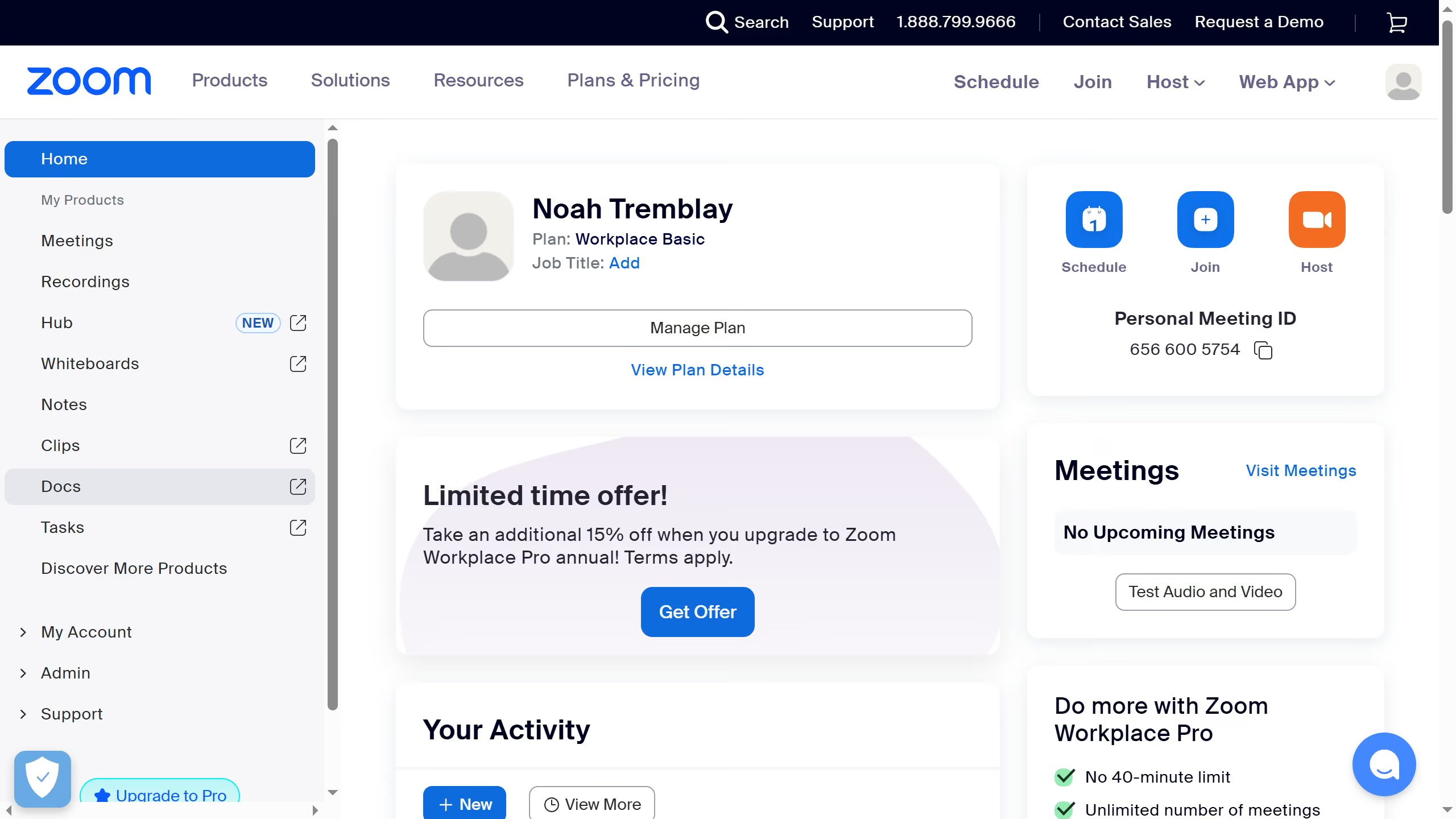
  1. First click on the "Whiteboards" button in the top navigation menu
  2. Then open the whiteboard where you want to enable the grid
  3. Next click on the "More" button in the whiteboard toolbar
  4. Then click on the "View" option in the dropdown menu
  5. Next click on the "Grids and guides" submenu item
  6. Finally click on the "Dot grid" option in the grid selection menu

Create your own interactive guide with Guideflow

Why should you turn on dot grid in Zoom whiteboard

Zoom is a leading platform for virtual communication, bringing people together through cutting-edge video conferencing technology.

The dot grid feature in Zoom Whiteboard enhances your visual collaboration by providing a structured background, helping users maintain alignment and symmetry when drawing or arranging elements.

This feature is particularly beneficial for visual learners and presenters who thrive in organized environments, offering them a tidy workspace to illustrate ideas more effectively.

By using the dot grid, users can enhance their presentations with a polished, professional look that aids in clarity and comprehension.


Last update
February 3, 2026
Cursor MariaA cursor points to a button labeled "James."

Create your first demo in less than 30 seconds.